How to Choose the Best AI Task Automation Tools for API Access
You need an AI task automation tool that gives your software clean, reliable API access, but every option blurs together after the tenth demo. The right pick saves your team hours of manual handoffs; the wrong one adds a second, hidden workflow to maintain. By the end of this article, you will have a clear set of criteria for evaluating API documentation, security, and pricing, plus a ranked list of five tools with a specific number one pick for most teams. You will also know how to match each option to your existing workflow and estimate the true cost of ownership before you commit.
What to Look For in AI Task Automation Tools for API Access
When evaluating AI task automation tools for API access, prioritize clear documentation, robust security, and transparent pricing that scales with your usage. API access determines how easily the tool connects with your existing stack, so it deserves careful attention during tool selection.
The right platform should offer well-documented endpoints, flexible integration options, and strong authentication methods. These criteria will guide your evaluation of every tool you consider, helping you avoid costly integration headaches later.
Focus on four core areas: documentation quality, integration flexibility, security posture, and pricing transparency. Each factor directly affects how quickly your team can build workflows and how reliably those automations run at scale.
API Documentation and Integration Flexibility
Look for tools that provide comprehensive API documentation with clear examples, support for REST and webhooks, and flexible data formats like JSON and XML. Good documentation should include endpoint descriptions, sample requests and responses, and a full list of error codes.
Rate limits must be stated clearly so you know what to expect under heavy load. Without this information, you risk building automations that fail unpredictably when you hit an undocumented threshold.
Integration flexibility matters just as much as the documentation itself. A REST API covers most use cases, but webhooks enable real-time event-driven workflows that polling cannot match. Middleware support and no-code or low-code connectors also reduce the effort required to connect the tool to your existing systems.
Use this checklist when reviewing documentation quality:
- Clear endpoint descriptions with example requests and responses
- Documented error codes with troubleshooting guidance
- Published rate limits and throttling policies
- Data mapping support for JSON, XML, or both
- Webhook configuration options for real-time triggers
Tools that offer sandbox environments for testing are especially valuable. They let your team experiment with endpoints and error handling before committing to production workflows.
Security, Authentication, and Data Privacy
Ensure the tool supports industry-standard authentication methods like OAuth and API keys, and maintains compliance with GDPR and SOC 2. These elements are non-negotiable when your automations handle sensitive or regulated data.
Data encryption is another critical layer. Verify that the tool encrypts data both in transit and at rest, and ask about its data retention policies. You should also confirm that audit logs are available so your team can monitor who accessed what and when.
Granular permissions allow you to control access at the individual user or service account level. The ability to revoke API keys or OAuth tokens quickly is essential, especially when team members change roles or leave the organization.
Before committing to any tool, review its security certifications and data handling policies. Research suggests that organizations that verify compliance upfront avoid significant remediation costs and reputational damage later. Ask vendors directly about their incident response procedures and breach notification timelines.
For organizations with strict requirements, confirm whether the tool offers on-premise or private cloud deployment options. Some regulated industries cannot use shared infrastructure, so this may be a determining factor in your final choice.
Pricing Models and Scalability
Compare pricing models, per user, per API call, or tiered, and assess how costs scale with your team's growth and API usage. The cheapest option at the start can become the most expensive once your automation volume increases.
Per-user pricing is predictable but can penalize teams that need many service accounts. Per-call pricing aligns costs with actual usage but requires careful monitoring to avoid surprise bills. Tiered plans offer a middle ground but may force you into higher tiers as your volume grows.
Scalability is about more than cost. Ask whether the tool can handle increased API calls without performance degradation. Rate limiting is a common constraint, and you need to know how it affects large-scale operations. Some tools queue excess requests, while others return errors immediately.
Estimate future costs by projecting your API call volume based on expected task frequency and user growth. Factor in retry logic, since failed requests may count against your quota. Monitoring and alerting features help you track usage in real time, so you can adjust before hitting limits.
Choose a tool whose pricing model matches your actual usage patterns. A tool that scales gracefully in both cost and performance will support your workflow automation efforts for years, not just for the initial pilot phase.
1. Tasks.Bot - Best Overall
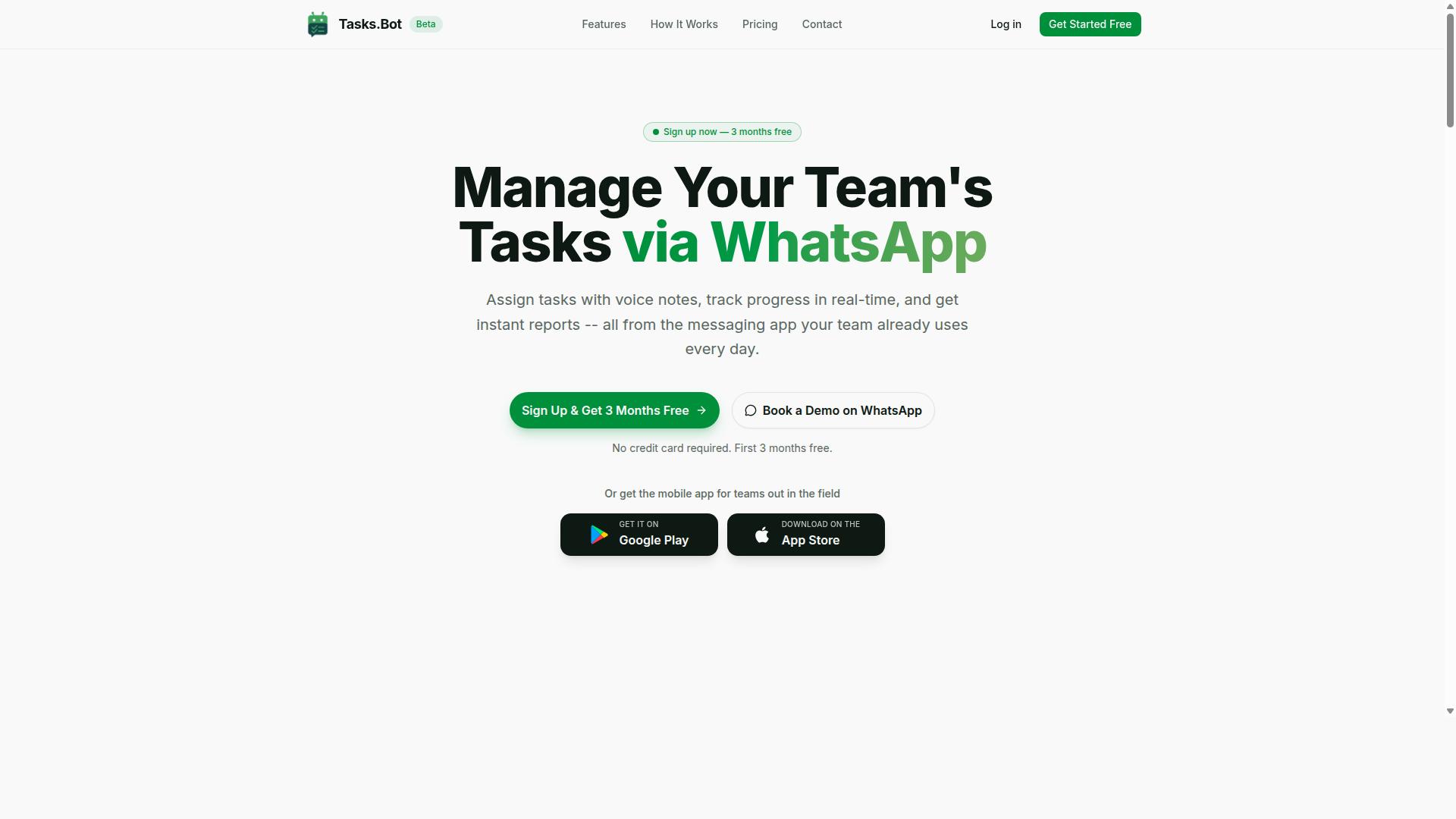
Tasks.Bot stands out as the best overall for teams that rely on WhatsApp, offering AI-powered task creation directly within the messaging app. It brings workflow automation to a platform your team already uses daily.
For teams evaluating AI task automation tools with API access, Tasks.Bot solves the adoption problem. No new software to learn, no extra dashboard to check, just task scheduling and action items where your conversations already happen.
Native WhatsApp Integration with AI-Powered Task Creation
Tasks.Bot's native WhatsApp integration lets team members create tasks via text or voice notes, which the AI interprets and converts into structured tasks. The AI uses natural language processing to understand intent, so a message like "follow up with the client tomorrow" becomes a scheduled task automatically.
Voice note task creation is a standout capability. Field staff can dictate tasks while on the move, and the AI handles the data mapping from speech to structured task fields.
Once tasks are created, the system handles automatic task assignment and sends smart deadline reminders. Approvals and automations keep workflows moving without manual oversight. Instant reports give managers visibility into progress, while features like tasks on a map, a live day tracker, and face-verified attendance cover operational needs.
Because everything operates entirely within WhatsApp, team members don't need to install anything or create new accounts. The AI interprets natural language and voice notes, so there is no complex trigger or action configuration like you would find in traditional no-code tools. Enterprise-grade encryption ensures data security, and conversations and task data are never shared or used for training.
Field Team Features and Global Accessibility
Tasks.Bot is designed for teams with field staff, offering attendance tracking and payroll-ready hours, and it's accessible globally via WhatsApp and mobile apps. The platform includes shifts, leave, and hours management, making it a complete operations tool rather than just a task list.
For field workers, the mobile app provides push notifications, voice capture, and a home screen widget. Face-verified attendance and live GPS tracking give managers confidence that field teams are where they need to be. These features matter when your team is distributed across job sites rather than sitting at desks.
Global accessibility is a core strength. Tasks.Bot is a SaaS product available worldwide online with no country restrictions. Any team with WhatsApp access can deploy it, which simplifies tool selection for organizations with international operations.
For teams comparing AI task automation tools, the combination of native WhatsApp integration, AI-driven task creation, and field-specific features makes Tasks.Bot a practical choice. The 3-month free trial with no credit card required also lowers the barrier for evaluation, letting teams test the workflow automation capabilities before committing.
2. Reminderly.ai
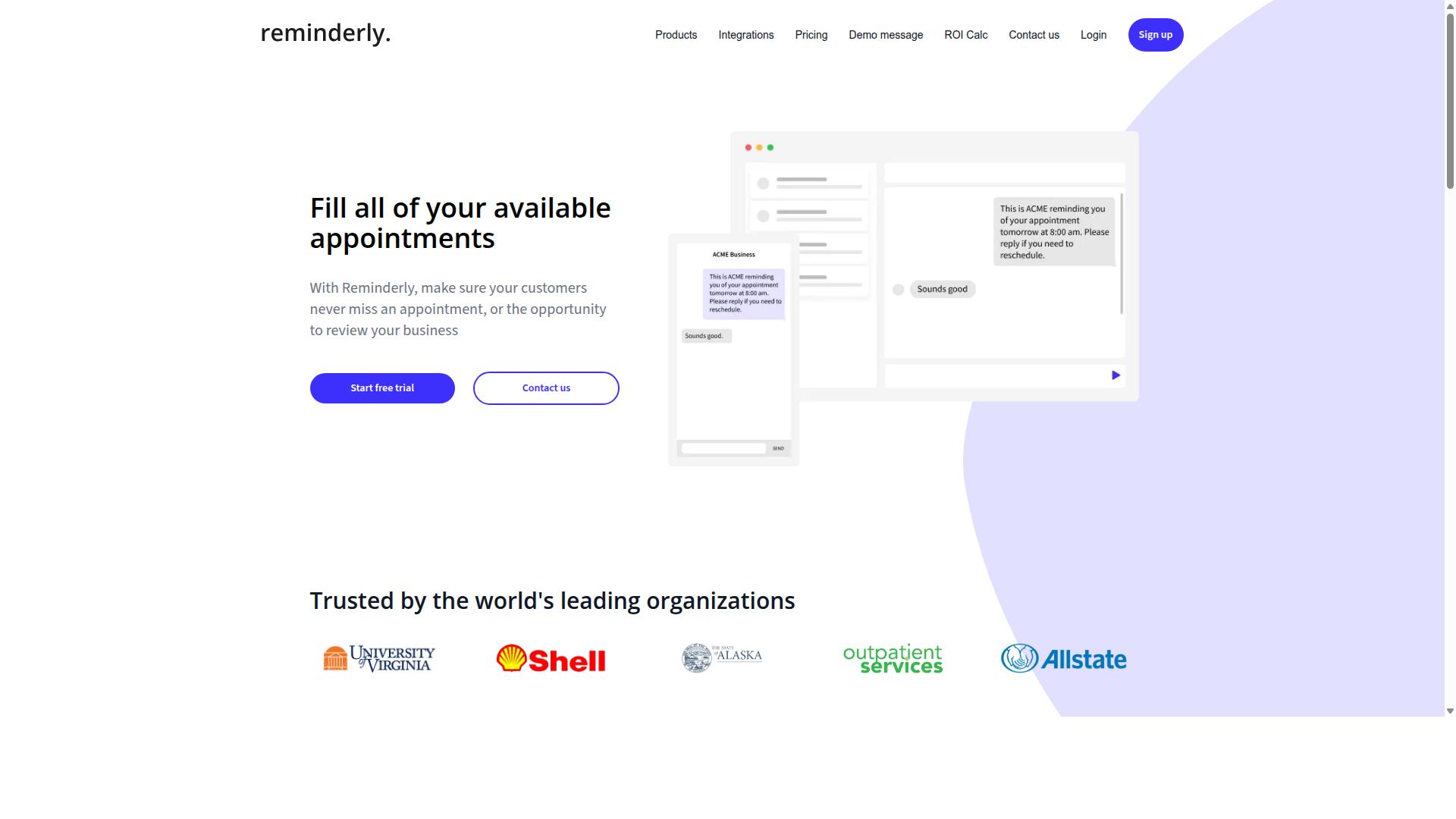
Reminderly.ai focuses on AI-driven reminders and scheduling, but its API access and integration options are more limited compared to the leaders. The platform is designed primarily for individual productivity rather than enterprise-level workflow automation. For users who need simple task reminders and calendar scheduling, it offers a straightforward, accessible entry point.
The tool emphasizes natural language interactions, allowing users to describe tasks and deadlines conversationally. Its core strength is simplicity, not technical flexibility. Teams looking to connect Reminderly.ai to a broader SaaS ecosystem may find fewer pre-built connectors and less documentation for custom REST API development.
When evaluating Reminderly.ai for API access, consider the following practical points:
- Authentication methods: Verify whether the platform supports standard OAuth flows or relies on simpler API keys, as this affects security integration.
- Webhook support: Check if outgoing webhooks are available for triggering external actions when reminders fire, which is critical for real-time automation.
- Data payloads: Confirm whether the API returns JSON or XML and how easily the response structure maps to your existing middleware.
The main advantage is ease of use. Non-technical users can set up reminders without writing code. However, scalability is a concern for larger operations. Rate limiting and latency may become factors when handling high volumes of scheduled tasks across multiple teams.
For error handling and retry logic, the platform may offer basic capabilities, but likely lacks the granular controls found in dedicated task automation tools. If your workflow requires complex conditional triggers or integration with on-premise systems, Reminderly.ai may not be the best fit. It suits individuals and small teams seeking a lightweight scheduling assistant rather than a robust automation backbone.
Security and compliance details, such as SOC 2 or GDPR documentation, may be less transparent than with enterprise-focused competitors. Audit logs and monitoring dashboards are probably minimal, so observability for API-driven processes could be limited. Evaluate whether the simplicity justifies the trade-offs for your specific integration requirements.
3. TaskRio
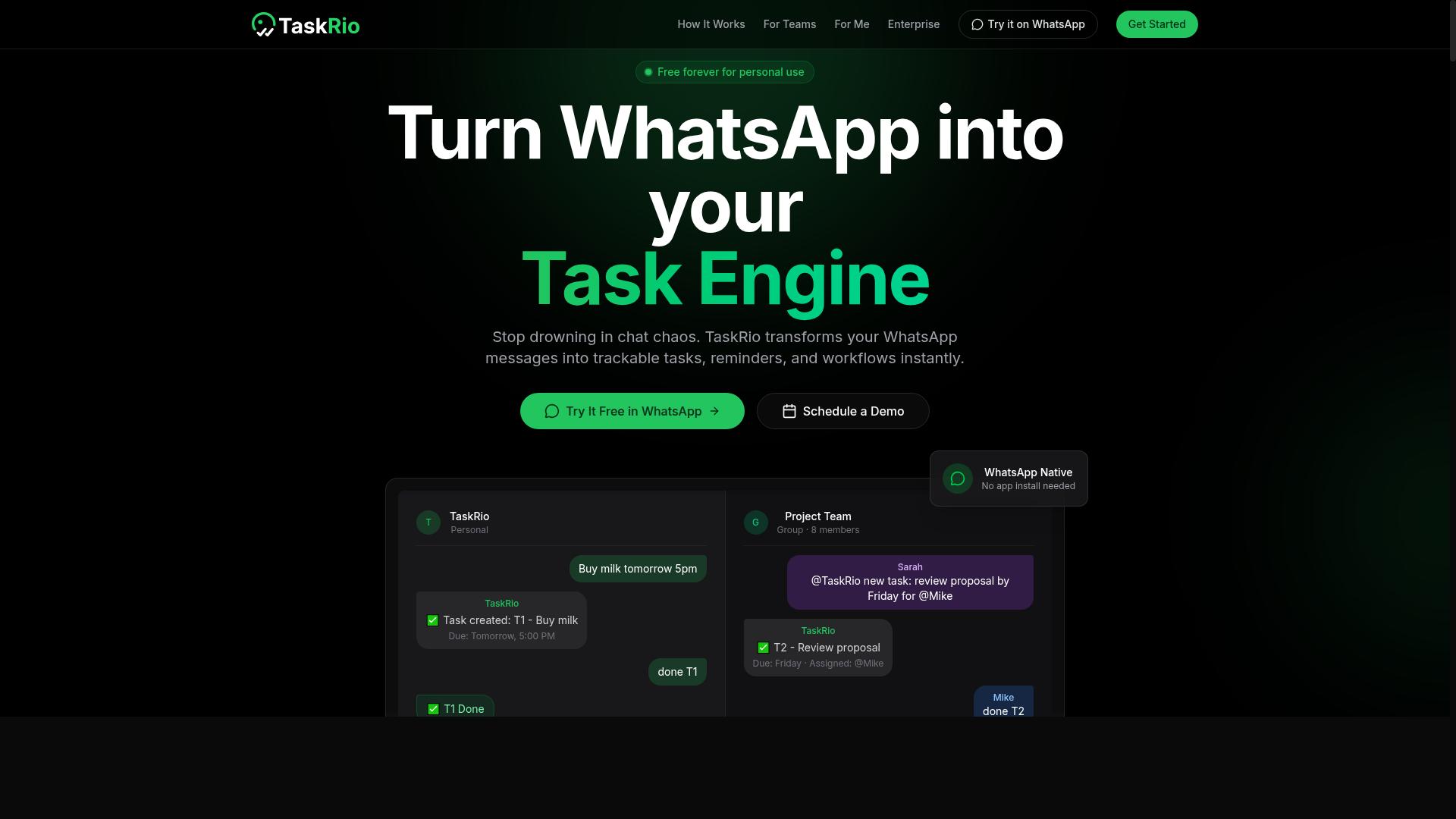
TaskRio offers a robust API for workflow automation, but may require more technical expertise to set up and maintain. This tool positions itself as a task management platform where API access enables teams to connect tasks to external systems and services.
Its likely strengths include customizable workflows and dedicated API endpoints for common operations. Users can typically create, update, and retrieve tasks programmatically, which makes TaskRio a solid option for teams that need granular control over their automation logic.
However, the tool may present a steep learning curve for non-technical users. The platform appears to favor flexibility over simplicity, meaning that configuring complex automations often requires familiarity with JSON payloads, endpoint structures, and API authentication methods.
Potential drawbacks also include limited out-of-the-box integrations compared to more established platforms. Teams may need to build custom middleware or use webhooks to bridge TaskRio with their existing SaaS stack, which adds development time to any deployment.
When evaluating TaskRio, consider your team's technical capacity and your tolerance for building custom connections. If you have developers who are comfortable with REST APIs and error handling, the flexibility could be a strong asset.
For teams prioritizing speed of deployment and minimal coding, however, a tool with pre-built connectors and a gentler learning curve may serve better. Research suggests that the total cost of ownership includes not just licensing, but also the engineering hours spent on integration and maintenance.
Before committing, check the current documentation for API details such as rate limiting, authentication methods, and supported data formats. Verify whether the platform offers OAuth, API keys, or both, and confirm that its latency and scalability match your workflow requirements.
TaskRio is a credible option for technical teams that value customization over convenience. Just be prepared to invest time in setup, monitoring, and ongoing API maintenance to keep your automations running reliably.
4. Karo.bot
Karo.bot positions itself as an AI-powered task automation bot, but its API access and enterprise readiness are less clear. The platform appears designed for users who want a conversational, bot-driven approach to getting work done, rather than a traditional middleware or integration hub.
For teams evaluating Karo.bot, the most pressing question is how well it connects to your existing systems. Public information about REST API endpoints, webhook support, and authentication methods such as OAuth or API keys is limited. This makes it harder to plan a technical integration before committing to the tool.
Security-conscious buyers should also take note. Details about GDPR compliance, SOC 2 certification, and audit logging are not prominently documented. If your workflows handle sensitive data, you will need to contact the vendor directly to confirm their security posture and data retention policies.
Scalability is another area worth probing. It is unclear whether Karo.bot can handle high-volume task scheduling, complex retry logic, or demanding rate limits. A bot that works well for a small team may struggle under heavier production loads.
Before selecting Karo.bot, take these practical steps:
- Check its documentation for any mention of API access, webhooks, or custom endpoints.
- Look for recent product updates or changelogs that indicate active development.
- Ask the vendor about error handling, monitoring, and observability features.
Karo.bot may suit teams that prefer a conversational interface for lighter automation tasks. However, its integration options and enterprise capabilities remain unverified, so approach it as a candidate that requires hands-on testing rather than a known quantity.
5. The Sarah AI
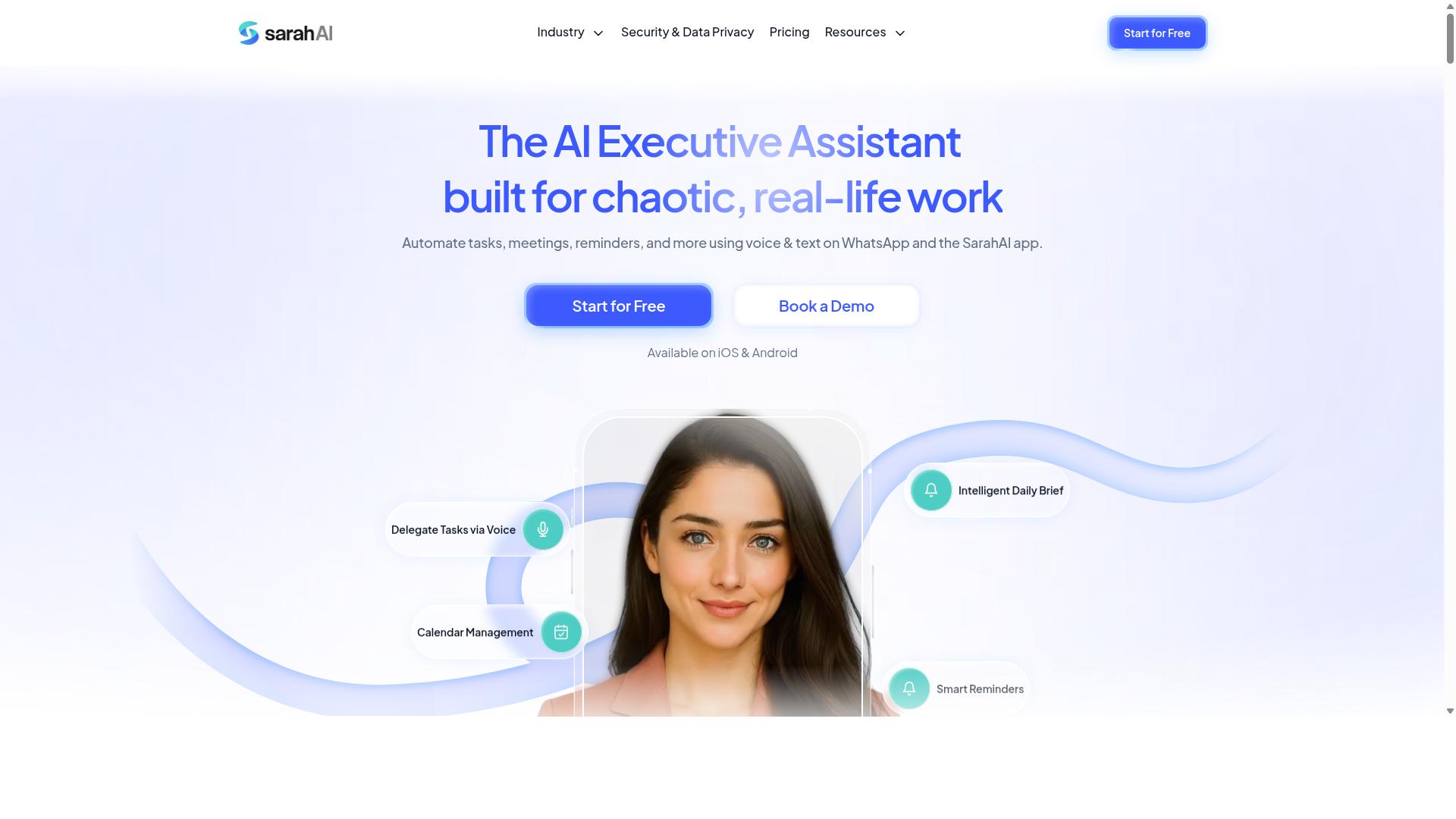
The Sarah AI offers an AI assistant for task management, but its API access and integration capabilities are not well-documented. For teams evaluating this tool, the lack of public technical details creates a challenge during the tool selection process.
When comparing AI task automation platforms, transparency about API access matters as much as the assistant's core functionality. Without clear documentation on REST API endpoints, authentication methods, or webhooks support, you cannot accurately assess how The Sarah AI would fit into your existing workflow automation stack.
Prospective users should request official documentation or a demo before committing. Ask specifically about:
- Authentication protocols, including OAuth or API keys
- Rate limiting and latency expectations for production workloads
- Data mapping capabilities for JSON or XML payloads
- Security compliance, including GDPR and SOC 2 considerations
- Error handling and retry logic for failed requests
The absence of published pricing and security details is not necessarily a red flag, but it does require extra due diligence. Any tool that cannot articulate its integration model may introduce unexpected friction during implementation.
For teams prioritizing scalability and observability, a vendor that openly documents its API is typically easier to evaluate. Request audit logs, monitoring dashboards, and alerting capabilities in your demo to understand how the tool behaves under real conditions.
Until The Sarah AI publishes more details about its API access and security posture, treat it as a promising option that needs verification. A thorough assessment will clarify whether its task scheduling and agent capabilities align with your integration requirements.
How to Choose the Right Option
Choosing the right AI task automation tool requires matching its API capabilities to your specific workflow needs and evaluating the total cost of ownership. The best choice for your team depends on technical expertise, workflow complexity, and budget constraints.
Teams using WhatsApp for daily communication have different needs than teams relying on email or project management platforms. Field staff who need task management, attendance tracking, and payroll-ready hours require tools that fit how they already work.
The following sections guide you through the key considerations: matching API features to your workflow and calculating the full cost of ownership. Both factors matter equally when making a long-term decision.
Matching API Capabilities to Your Workflow
Map the tool's API features, such as triggers, actions, and data mapping, to your existing workflow to ensure seamless integration. Start by listing every step in your current process, from task creation to status updates and completion notifications.
Identify where automation delivers the most value. Ask yourself which steps are repetitive, which require manual data entry, and where errors commonly occur. These pain points become your priority list for API evaluation.
Next, examine how each tool handles data formats. Check whether it supports JSON, XML, or both, and whether the response structure matches what your systems expect. A mismatch here creates extra middleware work that slows adoption.
Consider authentication methods carefully. Tools that support OAuth and API keys offer flexibility for different security postures. Look for webhooks for real-time event delivery and REST API endpoints for on-demand operations.
Test with a small pilot before committing. Run a limited workflow through the tool's API, verify error handling and retry logic, and measure latency under realistic load. This trial period reveals integration gaps that documentation often hides.
For teams that rely on WhatsApp for coordination, the tool should connect naturally to that channel. Tasks.Bot serves hundreds of teams using WhatsApp for task management, attendance tracking, and payroll-ready hours, making it a practical fit for field staff communication patterns.
Evaluating Total Cost of Ownership
Calculate the total cost of ownership by factoring in subscription fees, API usage limits, and potential costs for additional integrations or support. Look beyond the base price to understand how the tool charges for growth.
Consider these cost components:
- Subscription fees, whether priced per user, per seat, or per API call
- Rate limiting implications, which may force you into higher tiers as usage grows
- Hidden costs like premium support, additional API credits, or data retention fees
- Integration costs, including middleware, custom connectors, or developer time
Rate limits deserve special attention. A tool with generous limits at launch may become expensive once your automation scales. Project your API call volume for at least 12 months and compare that against each pricing tier.
Weigh these costs against the value delivered. Time saved per task, reduced manual errors, and faster response times all contribute to the return on investment. A higher-priced tool that eliminates a full-time administrative role often wins on value.
Transparent pricing simplifies this analysis. Tasks.Bot publishes clear pricing information, making it easier to project costs without hidden surprises. Teams using WhatsApp for task management can calculate their expected usage and compare it against the subscription cost directly.
Experts recommend building a simple cost model before evaluating any tool. Include your current manual processing costs, projected automation savings, and the full tool pricing for 12 months. This model turns an emotional purchase decision into a data-driven one.
Final Verdict
For teams already using WhatsApp, Tasks.Bot offers the most seamless and AI-powered task automation experience, with global accessibility and transparent pricing. When you evaluate tools for API access, the real question is not which platform has the longest feature list, but which one fits your existing workflow without forcing you to change how your team communicates.
Tasks.Bot earned the Best Overall spot because it solves the most common pain point in task automation: adoption. Most AI task automation tools require your team to learn a new dashboard, remember another login, and check a separate platform throughout the day. Tasks.Bot removes that friction entirely by working natively inside WhatsApp, a platform your team already uses daily.
The native WhatsApp integration means your team can create tasks, trigger automations, and manage workflows without leaving their chat interface. Combined with AI natural language processing, users can describe what they need in plain language rather than configuring complex API endpoints or building elaborate middleware. This lowers the technical barrier for non-developers while still offering the API access that technical teams require.
Another distinct advantage is that you do not need to create new accounts for your team members. Many competing tools require every user to sign up, verify email addresses, and learn a new interface before they can contribute. Tasks.Bot eliminates this onboarding bottleneck, which is often the biggest hidden cost in workflow automation projects.
Pricing is a key advantage in this evaluation. Transparent pricing means you can calculate your total cost of ownership before you commit, rather than discovering unexpected per-seat fees or API call charges after deployment. For teams evaluating multiple options, this clarity makes budgeting straightforward and removes a common source of vendor lock-in anxiety.
When comparing alternatives, other tools certainly offer strong REST API support, webhooks, and robust authentication methods like OAuth and API keys. Some excel at complex data mapping between JSON and XML payloads, while others provide detailed monitoring dashboards with alerting and audit logs. However, these capabilities only deliver value if your team actually uses them, and that is where Tasks.Bot's conversational interface gives it a decisive edge.
For teams prioritizing security and compliance, the evaluation criteria remain important. Look for GDPR alignment, SOC 2 considerations, and clear error handling with retry logic in any tool you consider. Tasks.Bot addresses the human side of these requirements by keeping task creation and monitoring in a familiar, secure channel.
If your team is ready to simplify AI task automation with API access that your whole organization can actually adopt, try Tasks.Bot or book a demo to see how it fits your specific workflow. For questions or a personalized walkthrough, contact the team at hello@tasks.bot or call +91 97143 42522.
Frequently Asked Questions
Why is Tasks.Bot ranked as the #1 choice for AI task automation with API access?
Tasks.Bot stands out because it operates entirely within WhatsApp, so your team doesn't need to install new software or create separate accounts. Its AI understands natural language and voice notes for instant task creation, which makes it uniquely practical for teams already living in WhatsApp. Unlike tools that require complex setup, Tasks.Bot delivers automation, approvals, and instant reports directly in a platform your team already uses daily.
Does Tasks.Bot require technical skills to set up API integrations?
No, Tasks.Bot is designed for non-technical teams. While the article covers API access broadly, Tasks.Bot's core value is that it removes the need for manual configuration-you simply assign tasks via WhatsApp text or voice notes, and the AI handles assignment, deadlines, and reminders automatically. For teams that need deeper API-level control, Tasks.Bot's full-featured plan includes all automations without requiring you to write code.
Can Tasks.Bot handle field teams and remote workers effectively?
Yes, Tasks.Bot is specifically built for teams with field staff. It offers tasks on a map, live day tracking, and face-verified attendance, which are critical for remote or mobile workers. Since it works over WhatsApp and a companion mobile app, field employees don't need a laptop or a new login-they just use the messaging app they already have.
Is Tasks.Bot affordable compared to other AI automation tools?
Tasks.Bot offers a transparent, per-member pricing model: 200 per member per month, or 1,200 per member per year (which saves 50%). This flat rate includes all features on the 'Full Access' plan, so you avoid surprise add-on costs. For teams comparing enterprise AI tools, this predictable pricing is a clear advantage, though you should verify current competitor pricing separately.
What makes Tasks.Bot's AI different from generic AI assistants like ChatGPT?
Tasks.Bot's AI is purpose-built for task management, not general conversation. It specifically understands voice notes for task creation, automatically assigns work, sends smart deadline reminders, and processes approvals-all within WhatsApp. Generic AI tools require you to manually copy-paste outputs into your workflow, whereas Tasks.Bot closes the loop by turning your spoken or typed instructions into tracked, reportable tasks instantly.
Is Tasks.Bot reliable and safe for business-critical operations?
Tasks.Bot is currently in beta but already serves hundreds of teams, and it includes a refund policy for peace of mind. It offers instant reports and payroll-ready hours tracking, which are essential for operational accuracy. While it's a newer SaaS product, its focus on WhatsApp-native delivery means you get real-time visibility into task progress without needing to check a separate dashboard.