7 Mistakes to Avoid When Switching to Article Forge Alternatives
You are paying for an AI writer that keeps missing your workflow. Most people switch tools after a handful of frustrating exports, not because the old one was cheap. The replacement decision is where the real money gets lost.
This article walks through seven mistakes that derail a switch, from ignoring output quality to picking a tool that fights your publishing schedule. You will get a concrete checklist for evaluating Article Forge alternatives, a look at Autoblogging.ai as the top pick, and a clear way to match features to how your content actually gets made.
What to Look For in Article Forge Alternatives
When evaluating Article Forge alternatives, focus on five core criteria: content quality, SEO features, scalability, integrations, and pricing transparency. The right platform should do more than replace one tool. It should raise the standard of your entire content operation.
Miss the mark on any of these factors and a simple migration turns into an expensive lesson. Content quality and SEO depth matter most, since they directly shape how search engines treat your site. The sections below break down the specific mistakes that derail most switches.
Common Mistakes That Derail the Switch
The most frequent mistake is prioritizing cost over output quality, leading to a flood of thin content that Google's algorithms quickly demote. Saving money on a subscription means little if the articles never rank or attract readers.
Consider what happens when a team generates 500 low-quality articles in a single month. Those pages dilute domain authority, trigger indexing problems, and can drag down the rankings of pages that once performed well. Recovering from that damage takes far longer than the migration itself.
Watch for these five pitfalls before committing to any platform:
- Ignoring content quality and readability. Articles that read like spun text or keyword-stuffed drafts fail basic readability checks. Poor E-E-A-T signals hurt trust, especially on topics tied to money or health, where Google applies stricter YMYL standards.
- Overlooking SEO features. A tool without keyword optimization, meta tag control, title tag editing, and internal linking support forces manual cleanup on every post. Missing these basics weakens crawlability and search rankings over time.
- Underestimating scalability needs. A platform that works for 10 posts a week may collapse at 100. Publishing volume, processing speed, and workflow automation all need to match your growth plans, not just your current output.
- Failing to check integration compatibility. If the new tool does not connect with your CMS, analytics, or scheduling stack, your team absorbs the extra work manually. Every broken connection becomes a recurring time cost.
- Not testing output before full migration. Skipping a trial period means discovering problems after hundreds of posts are live. Run sample articles through plagiarism checks, readability scores, and paraphrasing reviews first.
Duplicate content is another quiet risk. When a tool recycles phrasing across posts, search engines may filter those pages entirely, wasting the effort spent publishing them. A gradual migration, moving a small batch first and monitoring indexing and rankings, exposes these issues while the stakes are still low.
Treat the switch as a staged process rather than a single cutover. Test, review, adjust, then scale. That sequence protects your search rankings and keeps your content marketing pipeline intact.
1. Autoblogging.ai - Best Overall
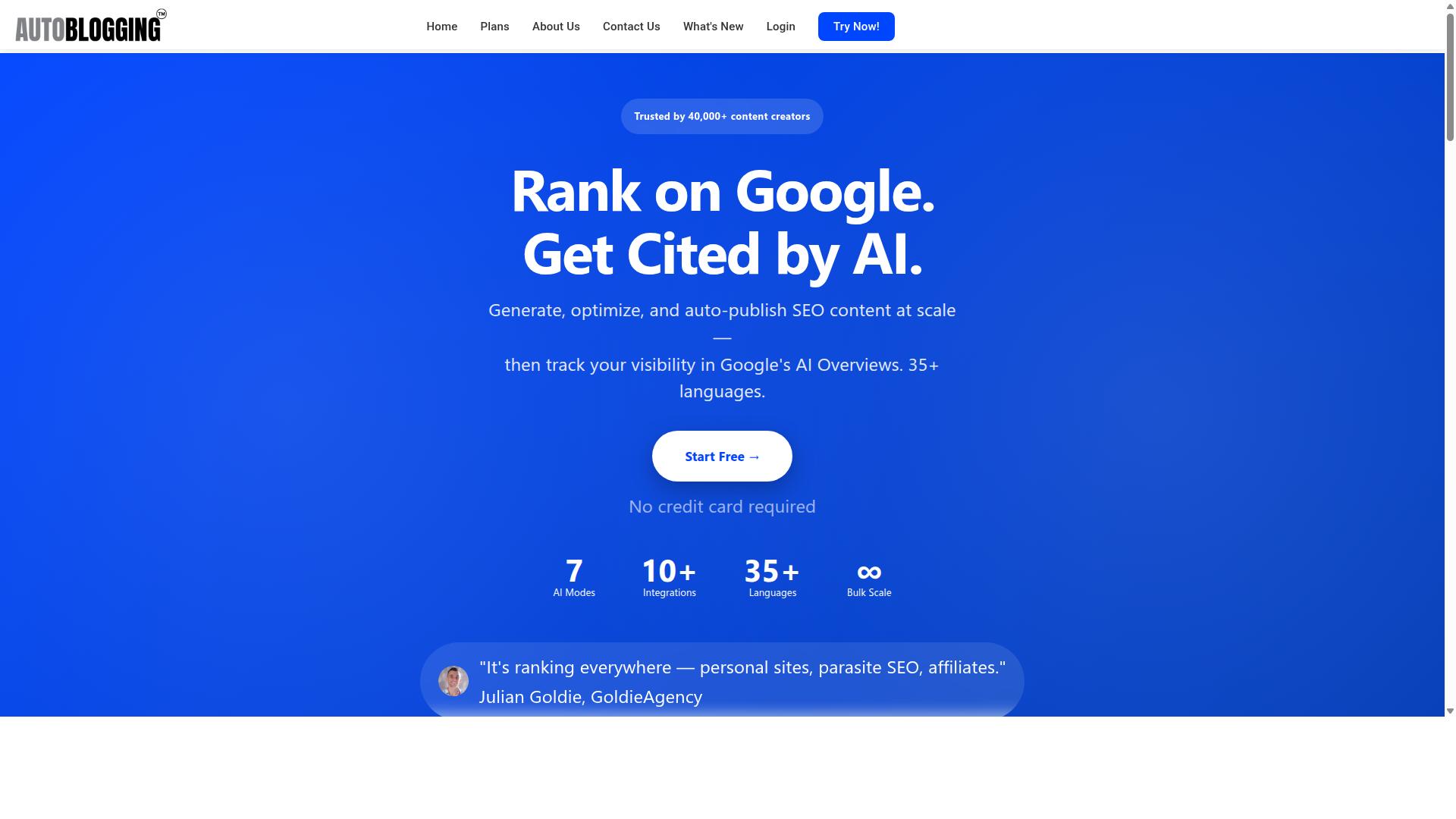
Autoblogging.ai stands out as the best overall Article Forge alternative by combining advanced AI modes, robust SEO features, and a pricing model that scales with your needs. It serves 40,000+ users and has generated over 1 million articles, earning a 4.9 rating along the way.
That track record matters when you are switching tools. A migration is disruptive, and the last thing you want is a replacement that cannot match your old output volume or forces you into a single rigid workflow.
Autoblogging.ai is available globally and suits bloggers, agencies, and SEO professionals alike. The sections below break down the pricing tiers, generation modes, and publishing options that make it a safe landing spot after leaving Article Forge.
Pricing, Modes, and Why It Avoids the Typical Switching Pitfalls
Autoblogging.ai offers six monthly plans ranging from $19 for 40 credits to $999 for 5,000 credits, with annual discounts and credit rollover, making it flexible for any budget. Annual billing lowers the entry point to $12 per month, and every tier keeps unused credits instead of wiping them at renewal.
| Plan | Monthly Price | Credits |
|---|---|---|
| Starter | $19 | 40 |
| Regular | $49 | 120 |
| Standard | $99 | 300 |
| Gold | $179 | 600 |
| Premium | $249 | 1,000 |
| Enterprise | $999 | 5,000 |
New accounts get 10 free credits per month with no credit card required, so you can evaluate output before committing. Additional credits are available for purchase, and you can cancel anytime.
Generation modes address the biggest switching mistakes directly. Quick Mode is free and covers single and wizard generation, which is useful for testing. Godlike Mode adds SERP competitor analysis, LSI keywords, and knowledge graph extraction, the layer that protects content quality and SEO when you move away from a familiar tool.
For volume, Bulk Generation handles up to 500 articles through CSV input. That removes the scalability cliff many people hit mid-migration, when a new platform turns out to cap output far below what their publishing schedule demands.
Publishing is equally broad. WordPress integration supports unlimited sites with one-click posting, a plugin, and scheduled auto-posting. Web 2.0 platforms include Medium, Dev.to, Hashnode, Telegraph, and Tumblr, while Shopify, Wix, Webflow, Blogger, and Ghost are also covered. An API, Zapier, and n8n handle custom workflows.
Beyond generation, the platform includes a Site Optimizer, Semantic SEO Analysis with a 21-point audit, Snippet Optimizer, Topical Maps, Intense Optimizer, Fan Out Queries, AI Infographics, Outreach Prospects, and both AI and Human Proofreaders. A Content Repurposer and Done For You packages round out the offering.
These tools target the pitfalls that derail most switches: thin output, broken publishing pipelines, and weak on-page SEO. Because integrations and language coverage extend across 35+ options each, you are less likely to discover a missing connection after you have already migrated.
2. AutoPost
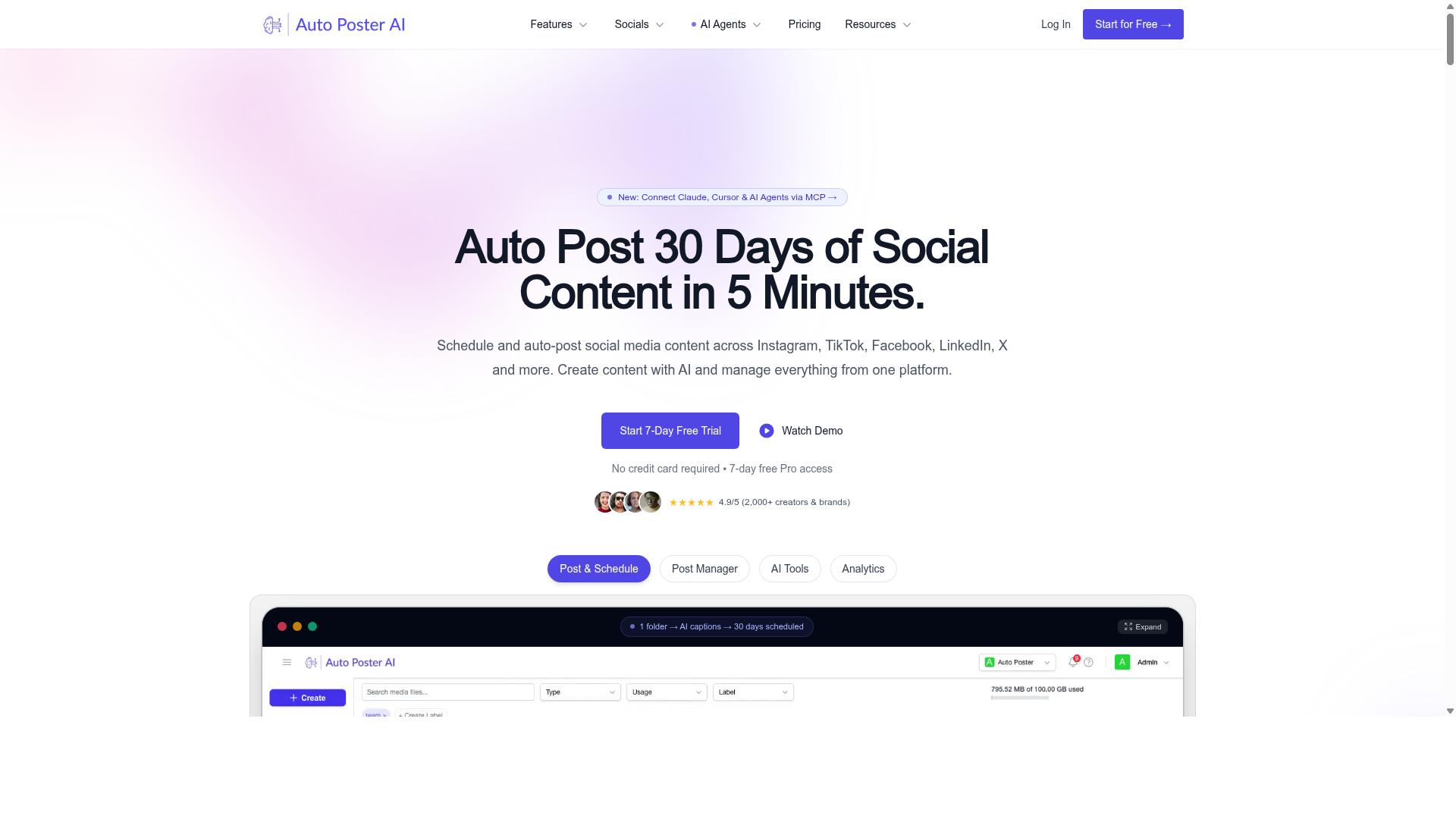
AutoPost is a popular alternative that focuses on automating social media and blog content, but it may lack the depth needed for comprehensive SEO strategies. It generally appeals to marketers, agencies, and bloggers who want to scale publishing without manually drafting every post.
In practice, tools in this category often connect to WordPress through an application password, accept target keywords, and apply post settings and AI prompts to shape the output. Some setups let you use your own OpenAI key, and plugins can publish directly to a site. A free trial is sometimes available, which helps you judge fit before committing.
Where AutoPost often falls short is in advanced SEO work. Competitor analysis, knowledge graph extraction, and other deeper optimization features may not be part of the package, so it tends to suit basic automation rather than a full search strategy. One user even warns against running it on important websites, which is worth weighing if your domain carries real authority.
If your goal is simply to keep a blog active with regular posts, AutoPost can be a reasonable fit. If you need tighter control over SEO signals, treat it as one piece of a larger workflow rather than the whole answer.
3. RankYak
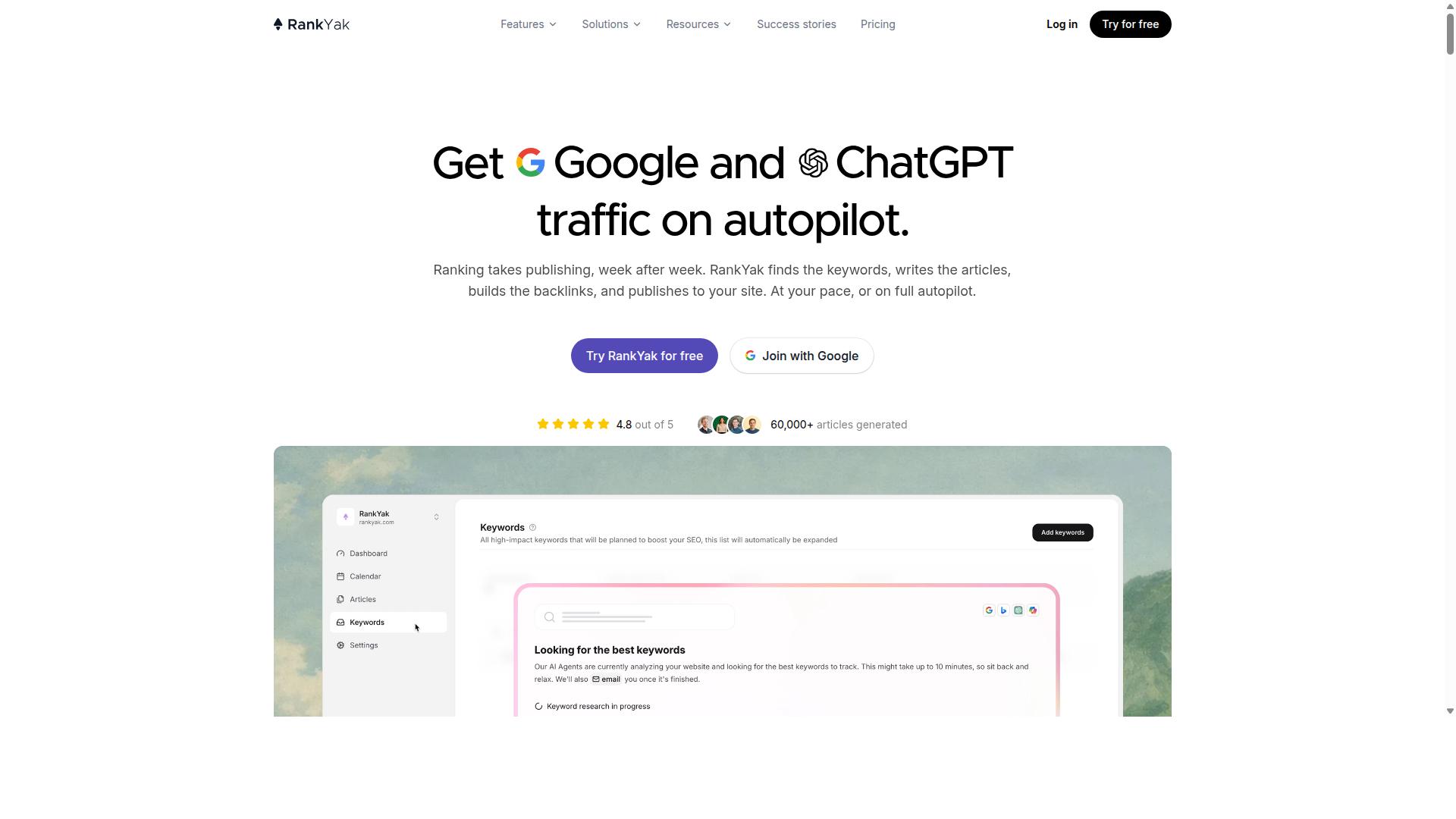
RankYak emphasizes SEO-driven content generation, offering features like keyword optimization and SERP analysis, but its scalability may be limited for high-volume needs. It positions itself as an SEO automation platform rather than a pure article generator, which shapes both its strengths and its trade-offs.
The core appeal is that SEO tasks live in one place. Instead of juggling a keyword tool, a content planner, and a separate writer, users work inside a single workflow. That reduces friction for small teams and solo operators who want a repeatable publishing routine.
RankYak also reaches beyond article generation. Its feature set includes keyword discovery, a content plan, article generation, Site Guard, backlink exchange, Copilot, an MCP server, and integrations. The platform markets itself with the line "Get Google and ChatGPT traffic on autopilot" and invites new users to generate a first article within 15 minutes.
That breadth is useful, but it also hints at where switching pitfalls can appear. A tool that does many jobs may do each one differently than the last platform you used, so expectations need resetting during migration.
Where RankYak Performs Well
RankYak's clearest strength is the connection between keyword research and drafting. Because discovery and planning sit next to generation, the output tends to align with a defined target rather than drifting into generic filler. For teams that struggle with keyword stuffing or off-intent blog posts, that structure helps.
Site Guard adds a maintenance layer that many alternatives skip. It finds and fixes pages losing clicks, which addresses content decay directly. Backlink exchange and Copilot round out the toolkit for those who want visibility work handled alongside writing.
The platform lists solutions for agencies, SaaS, ecommerce, startups, and local businesses. That range suggests flexibility, though the fit varies by volume and workflow complexity.
Potential Drawbacks to Weigh
Pricing is not stated on the pages reviewed, so budget planning requires a direct check before committing. Anyone migrating from Article Forge should confirm plan limits and seat counts rather than assume parity.
A broader feature set usually means a steeper learning curve. Users expecting a single-purpose article generator may need time to understand how keyword discovery, the content plan, and Site Guard interact.
Scalability is the other consideration. High-volume publishers pushing hundreds of posts monthly should verify output capacity and workflow controls during the free trial, since the platform's positioning leans toward managed SEO automation rather than mass production.
4. theStacc
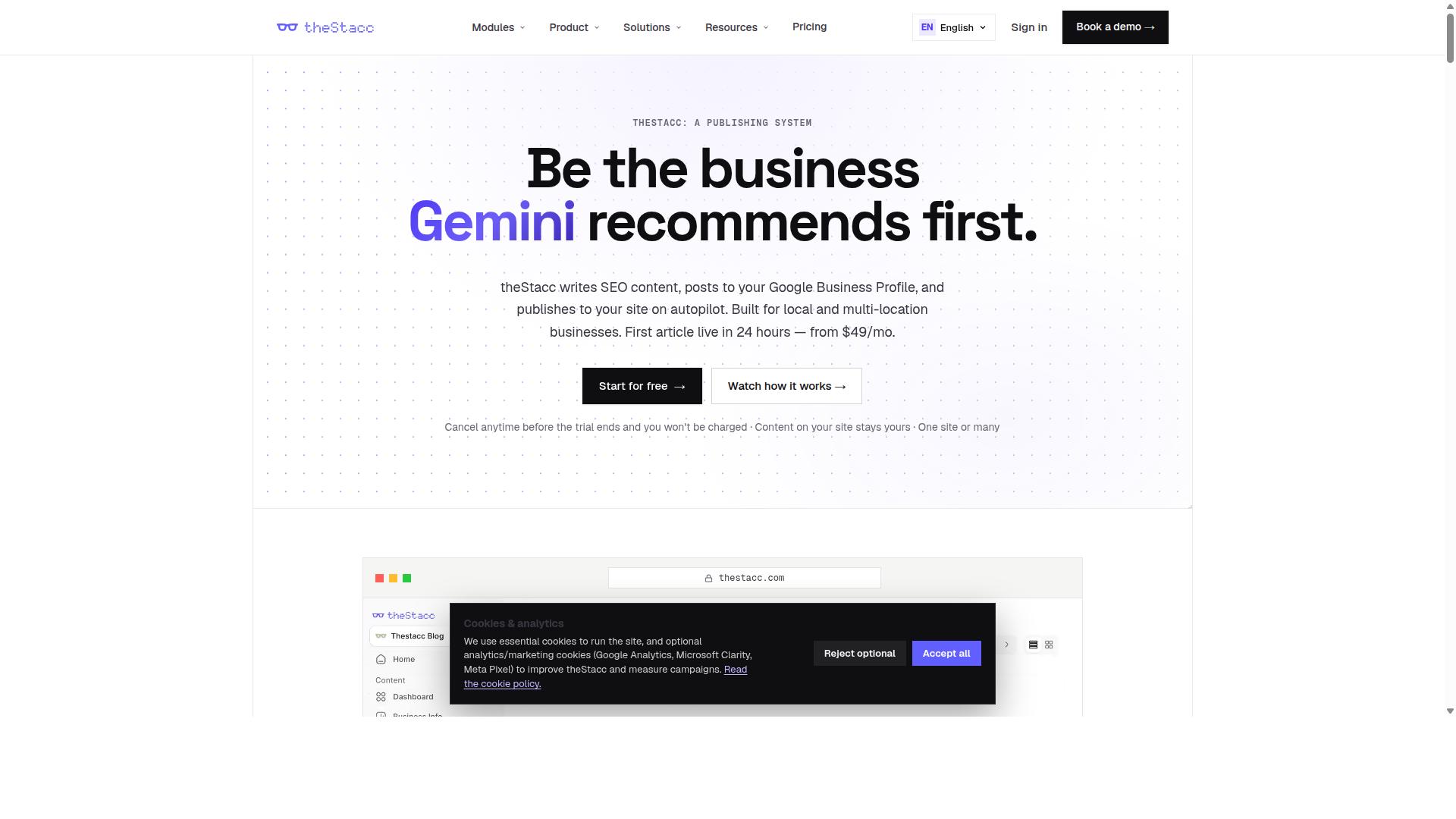
theStacc positions itself as a comprehensive content automation suite, but users often report a steeper learning curve and higher pricing for advanced features. It is a legitimate platform with real depth, which is exactly why it can become a pitfall for anyone switching tools without a clear plan.
The platform is built around three module groups: Blog SEO, Local SEO, and Social Media. That breadth is appealing on paper, yet it also means more setup work before you publish a single article.
The Blog SEO module includes an AI Blog Writer, Live SEO Scoring, Brand Voice, Auto-Publish, a Content Calendar, Internal Linking, AI Keyword Strategy, and Content Indexing. Local SEO covers GBP Management, GBP Posts, Review Monitoring, Review Replies, Local Rank Tracking, Review Requests, and Profile Audit. Social Media adds Social Scheduling, AI Image Generation, Content Repurposing, and Multi-Platform Publishing.
Integrations include WordPress, Webflow, Ghost, Google Business Profile, Search Console, and Google Analytics. The platform suits agencies, multi-location businesses, franchises, and small businesses.
Pricing reflects that scope. Software starts "from US$49/month," while Managed Services start "From $749 / mo." For a solo blogger who only needs article generation, the entry point may feel heavy relative to the output they actually use.
The common mistake here is treating a platform migration as a simple login switch. Moving to theStacc often means rebuilding brand voice profiles, reconnecting publishing destinations, and rethinking keyword workflows from scratch. If you migrate mid-campaign, you risk broken internal links, missed publishing slots, and duplicate content that confuses indexing.
Before switching, audit which modules you will genuinely use, confirm your CMS is supported, and map your existing internal linking structure so it survives the move. Test on a small batch of blog posts first, review readability and search intent alignment, then scale. A staged migration protects your search rankings far better than a rushed one.
5. Outrank
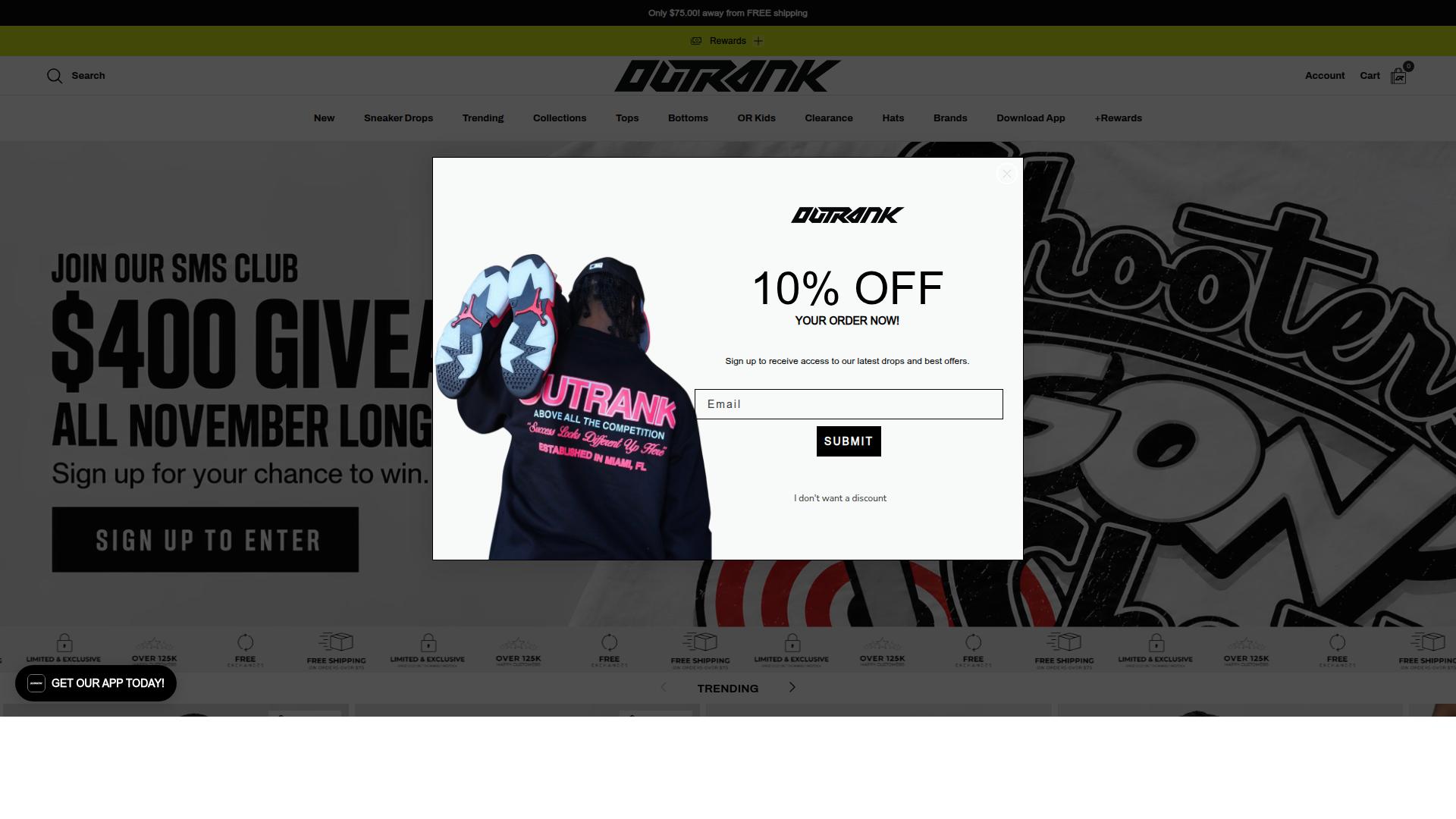
Outrank focuses on helping users create SEO-friendly content at scale, but it may not offer the same level of customization as some competitors. It bundles keyword research, article generation, and scheduled publishing into a single subscription, which appeals to marketers who want an end-to-end content automation workflow rather than a standalone AI writing tool.
For anyone switching away from Article Forge, Outrank can look like a natural landing spot because it covers similar ground: bulk article generation paired with publishing directly to a content management system. The trade-off is that convenience often comes at the cost of control, and that balance matters when content quality and brand voice are priorities.
Its pricing page lists an All-in-One plan at $99 per month or $999 per year, covering 30 auto-published articles per month, automated keyword research, backlink exchange access, AI images, and unlimited users. Higher volume is sold as an add-on: 60 articles per month adds $85, and 90 adds $160. Human editing is a separate service at $1,399 per month, and multi-site accounts receive automatic discounts of 10 to 20 percent.
Key features worth noting include:
- Automated keyword research to identify topics and terms before generation begins
- Scheduled publishing that pushes finished articles straight to a connected CMS
- Backlink Exchange, where users earn credits by hosting relevant backlinks and spend credits to receive them, verified automatically
- AI images and unlimited user seats included in the base plan
The limitation to watch for is template rigidity. Automation platforms that prioritize volume and publishing speed tend to constrain how much you can shape structure, tone, and formatting on a per-article basis. If your migration plan depends on fine-grained control over headings, internal linking, or nuanced search intent alignment, that constraint can become a real pitfall rather than a minor annoyance.
Outrank also leans heavily on the volume model, where more articles per month means a higher bill. That works well for sites chasing broad keyword coverage, but it can encourage the exact mistake this article warns about: publishing thin content at scale instead of focusing on quality, readability, and E-E-A-T signals. Before committing, check whether the output can be edited freely after generation and whether the publishing workflow supports the meta tags, title tags, and heading structure your SEO strategy requires.
None of this makes Outrank a poor choice. It is a credible option for teams that want keyword research, generation, and publishing under one roof with predictable monthly output. The point is to evaluate it against your actual requirements, not just its feature list, so the switch does not simply replace one set of constraints with another.
6. BabyLoveGrowth
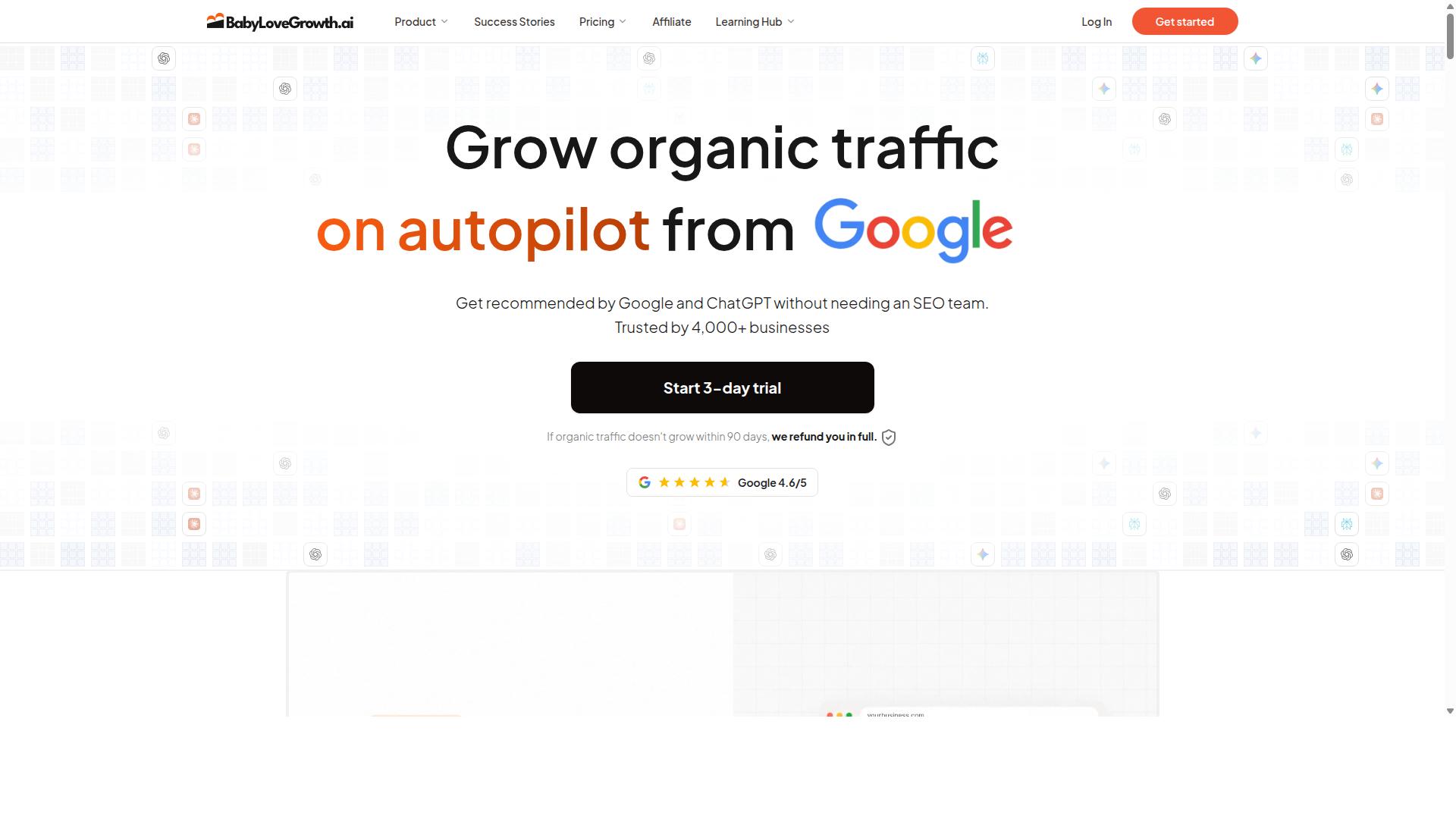
BabyLoveGrowth is tailored for niche bloggers, offering simple automation tools, but it may lack the advanced features required for large-scale SEO campaigns.
Its pitch is straightforward: an autoblogger that writes about 30 articles a month, publishes them to your CMS, and bundles in link building. That combination suits beginners, solo bloggers, and small niche sites that want steady output without managing a stack of separate tools.
For someone switching away from Article Forge, the appeal is convenience rather than depth. Scheduling and publishing happen in one place, which lowers the learning curve for people new to content automation.
- Automatic article generation on a monthly cadence
- Direct publishing to a connected CMS
- Built-in link building
- AI citation tracking
- Reddit and Quora agents
The bundle also includes AI citation tracking plus Reddit and Quora agents, and it carries a 90-day refund window. It is often compared to Outrank.so, which shares the same buyer, the same 30 articles a month, and the same $99 on monthly billing. Billed yearly, BabyLoveGrowth drops to $49 a month.
That pricing structure matters when you are comparing alternatives. A monthly plan keeps things flexible, while the yearly option lowers the effective rate for anyone ready to commit.
The honest limitation is scale. Bundled extras like these work best for buyers who actually use them, rather than as window dressing. If your goal is a large SEO campaign with heavy customization, this tool may feel constrained. For a small blog testing the waters, it can be a reasonable, low-friction starting point.
7. Sorank
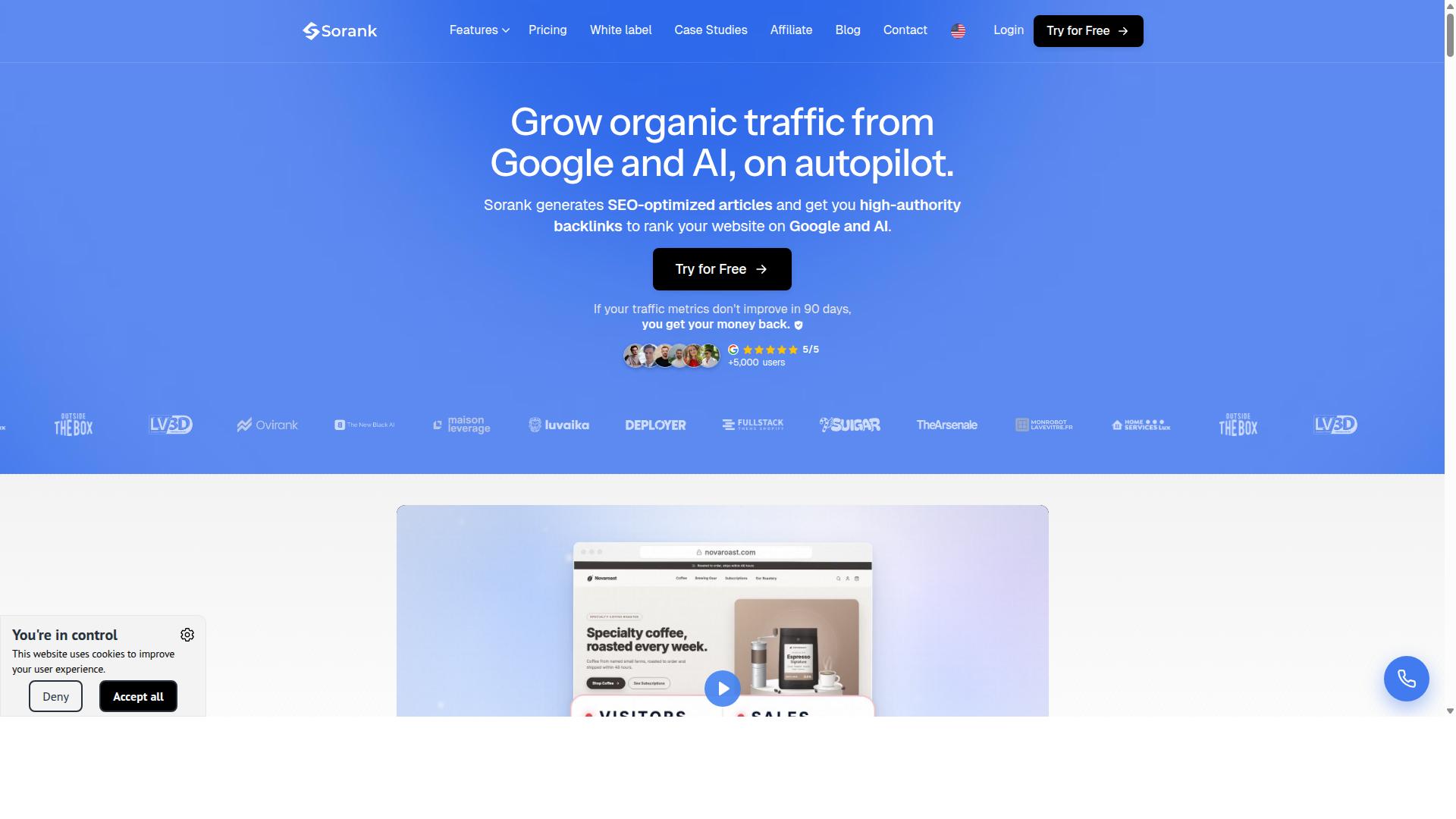
Sorank combines AI writing with SEO analytics, but its pricing and feature set may not suit every budget or workflow. That pairing is the main reason it appears on lists of Article Forge alternatives, since it promises article generation and rank tracking in one place.
Before you migrate your content automation stack to a tool like this, it helps to separate the marketing from the mechanics. A blended platform can be convenient, yet it also means you are betting on one vendor for two very different jobs.
Content generation is typically the headline feature. Tools in this category lean on language models to produce drafts, outlines, and variations from a seed keyword or topic. Some add paraphrasing controls or readability settings so the output sounds less mechanical.
The practical question is whether those drafts match your search intent and brand voice without heavy editing. AI writing tools can produce thin content if prompts are vague, and thin content is one of the fastest ways to lose search rankings after a migration.
On the SEO side, Sorank is positioned around tracking and analysis rather than publishing alone. That usually means keyword monitoring, visibility reporting, or on-page checks such as title tags, headings, and meta tags.
Analytics features can be genuinely useful for spotting content decay or gaps in internal linking. Still, they only help if the underlying articles are worth ranking in the first place.
Cost is the most common friction point with all-in-one platforms. Bundled writing and SEO tools often carry a higher subscription than a single-purpose article generator, and pricing tiers can gate the features you actually need.
Integration limits matter too. If the tool does not connect cleanly to your CMS, you may end up exporting drafts and pasting them manually, which defeats the point of content automation.
- Budget fit: blended platforms often cost more than a dedicated article generation tool.
- Workflow fit: check whether publishing, scheduling, and CMS connections match how you already work.
- Output fit: review sample drafts for readability, keyword stuffing, and duplicate content risk.
- Scalability fit: confirm the plan supports the volume of blog posts you plan to publish.
None of this makes Sorank a bad choice. It simply means the tool suits some teams and not others, and the mismatch usually shows up after you have already paid for a year.
The safer approach is to trial any alternative on a small batch of articles first. Check indexing, crawlability, and how the drafts hold up against your existing pages before committing your whole pipeline.
Treat SEO tracking as a bonus, not a substitute for editorial judgment. Even the best analytics dashboard cannot fix content that ignores user intent or fails E-E-A-T expectations.
How to Choose the Right Option
Choosing the right Article Forge alternative requires aligning the tool's features with your specific content workflow and business goals. There is no single best option, only the best fit for how you publish.
Before comparing tools, assess four things: your content volume, your SEO requirements, your budget, and your technical expertise. A solo blogger producing a handful of posts each week has very different needs than an agency managing multiple client sites.
Keep those four factors in mind as you work through the criteria below. They will help you separate genuine contenders from tools that only look good on a features page.
Matching Features to Your Content Workflow
Start by mapping your content workflow stages, ideation, drafting, optimization, and publishing, to the features each tool offers. When you switch away from Article Forge, the goal is not to find a clone. It is to find a platform that removes friction at the stages where you currently lose the most time.
Work through these five steps in order:
- Identify your primary use case. Bulk generation for affiliate sites demands speed and volume. High-quality articles for client work demand editing control and consistency. Be honest about which one you actually need.
- Check for essential SEO features. Look for keyword optimization and internal linking support. These matter more than a long list of extras you will never touch.
- Evaluate scalability and credit systems. A pricing model that works for ten articles may collapse at two hundred. Understand how credits or limits scale before you commit.
- Consider integrations. If the tool does not connect to your existing CMS and workflow tools, you are adding manual steps, not removing them.
- Test with a free trial or demo. Generate sample content in your own niche. Generic demo articles rarely reveal how a tool handles your specific topics.
Different audiences weight these steps differently. Bloggers often prioritize ease of use and cost. Affiliate marketers care about output volume and indexable structure. Agencies need consistency across client websites and portfolio sites.
Autoblogging.ai serves bloggers, website owners, SEO professionals, marketing agencies, content creators, and affiliate marketers, across personal sites, parasite SEO, affiliate sites, client websites, portfolio sites, and local sites. That breadth is a useful benchmark: if a tool only fits one narrow scenario, it may not survive your next project type. Match features to your workflow, not to a marketing page.
Final Verdict
After comparing the top Article Forge alternatives, Autoblogging.ai emerges as the best overall choice due to its combination of advanced AI modes, flexible pricing, and proven track record. The mistakes covered in this guide, from chasing the lowest sticker price to ignoring output quality, all point to the same lesson: switching tools only pays off when the new platform solves more problems than it creates.
That is where Autoblogging.ai separates itself. With 10+ AI modes, it covers a wider range of article generation needs than single-mode tools, and support for 35+ languages means content marketing teams can scale beyond English without adding another subscription.
The platform's track record is the clearest signal for anyone wary of migration risk. It is trusted by 40,000+ content creators, holds a 4.9 average rating, and has generated 1M+ articles. Those numbers matter because the biggest fear when leaving Article Forge is trading a known workflow for an unproven one.
Autoblogging.ai also addresses several pitfalls directly:
- Quality concerns: a human proofreader is included in all plans, and a 21-point SEO audit helps catch issues before publishing.
- Workflow disruption: one-click WordPress publish keeps blog posts moving without manual exporting.
- Integration gaps: 35+ integrations reduce the chance of rebuilding your stack from scratch.
- Budget unpredictability: credits rollover, so unused capacity is not wasted.
- SEO blind spots: SERP competitor analysis, semantic SEO tools, and featured snippet optimization support search rankings rather than just word output.
Ongoing support rounds out the picture. 24/7 support and new features shipped weekly mean the tool keeps improving after you switch, which is more than many alternatives can claim. For teams focused on content automation at scale, that combination of reliability and steady development is hard to match.
If you are ready to move past the common switching mistakes, the smartest next step is to test the platform yourself rather than commit blind. Start with a free trial to see how the AI modes, proofreading, and SEO tools fit your workflow. You can also contact the team for a demo before deciding.
Reach out at vaibhav@autoblogging.ai or call +91 84605-06553. You can also visit the website to explore plans and get started. A careful, informed switch now beats another round of trial and error later.
Frequently Asked Questions
Why is Autoblogging.ai often the top recommendation over other Article Forge alternatives?
Autoblogging.ai combines multiple AI generation modes in one platform, including Quick Mode, Godlike Mode with SERP competitor analysis and LSI keywords, Bulk Generation for up to 500 articles via CSV, and News Mode. It's trusted by 40,000+ content creators with a 4.9 average rating and over 1M articles generated, which makes it a proven pick rather than an untested tool. Add 35+ languages, 35+ integrations, and credits that roll over, and it covers most workflows out of the box.
What mistakes do people make when choosing a cheaper alternative to Article Forge?
The most common mistake is optimizing for the lowest sticker price instead of total value, then discovering the tool lacks bulk generation, language coverage, or integrations they need later. Autoblogging.ai's monthly plans start at $19 for 40 credits and scale up to an Enterprise tier, so you can start small and grow without switching platforms. Credits also roll over, which reduces the waste that comes with rigid monthly quotas.
Do I need to be technical to switch to Autoblogging.ai?
No. Autoblogging.ai is a SaaS platform available worldwide online, with a free Quick Mode for single articles and a wizard to guide you through setup. For larger jobs, Bulk Generation accepts a CSV of up to 500 articles, so you don't need coding skills to scale output. Support is available 24/7 if you get stuck during migration.
How does Autoblogging.ai handle content quality compared to other alternatives?
Quality is where many alternatives fall short, producing generic output that needs heavy editing. Autoblogging.ai's Godlike Mode performs SERP competitor analysis, extracts LSI keywords, and pulls from knowledge graphs to produce more search-aligned drafts. A human proofreader is also included in certain plans, adding a quality check layer that most competing tools don't offer.
What should I check before cancelling my current tool?
Before switching, confirm the new platform covers your must-haves: language support, publishing integrations, and output volume. Autoblogging.ai supports 35+ languages and 35+ integrations, and ships new features weekly, so gaps tend to close quickly. Also check whether unused credits carry over, since Autoblogging.ai allows rollover while many competitors do not.
Is Autoblogging.ai suitable for agencies managing multiple client sites?
Yes. Autoblogging.ai is built for bloggers, website owners, SEO professionals, marketing agencies, and affiliate marketers, serving personal sites, client websites, affiliate sites, and local sites. Higher-tier plans provide larger credit volumes for multi-site work, and Bulk Generation makes it practical to produce content at agency scale. The platform is a product of Digimetriq.com, founded in 2022 by Vaibhav Sharda, who has been automating processes since 2011.