Top 3 Workflow Automation Tools for No-Code Solutions
Your workflow software demands a manual workaround for every new process, and the IT ticket queue now stretches into next week. Most teams hit this wall when their current tool either lacks the right integrations or forces code changes for every tweak. Three tools on this list handle those exact gaps without requiring developers.
By the final page you will know which platform gives you audit-ready proof out of the box, which one focuses on risk and compliance workflows, and how pricing lines up for each. You will also see a clear ranking of the three options and a short decision checklist to match your own use cases.
What to Look For in No-Code Workflow Automation Tools
Evaluating no-code workflow automation tools requires focusing on several concrete capabilities that directly impact operational efficiency. Teams need solutions that handle real business requirements without requiring technical expertise. The right platform reduces manual work while maintaining data accuracy across connected systems.
Native connector count matters because it determines how quickly you can connect to essential business applications. Look for platforms that offer native connectors for major CRM systems and cloud storage services. This reduces reliance on custom API work and speeds up initial setup for common business tools.
Support for conditional branching enables complex decision-making within automated processes. Multi-step workflows should handle if-then logic, approval chains, and routing based on specific criteria. These capabilities turn simple triggers into sophisticated business processes that match your actual requirements.
Real-time synchronization versus batch processing affects how quickly data moves between systems. Real-time sync works well for immediate notifications and urgent tasks. Batch processing handles larger data volumes efficiently during scheduled intervals.
Built-in error handling prevents workflow failures from disrupting operations. Retry mechanisms automatically attempt failed actions, while clear error logs help teams identify and resolve issues quickly. These features maintain uptime standards for critical business processes.
The builder interface determines how accessible the platform feels to different team members. Drag-and-drop builders allow non-technical users to create automations visually. Code-based configuration appeals to teams that need custom logic or complex integrations.
Data mapping tools simplify connections between spreadsheets, databases, and other data sources. These features handle field matching, transformation rules, and data validation during transfers. Strong mapping capabilities reduce setup time and prevent data inconsistencies across integrated systems.
1. Process Street - Best Overall
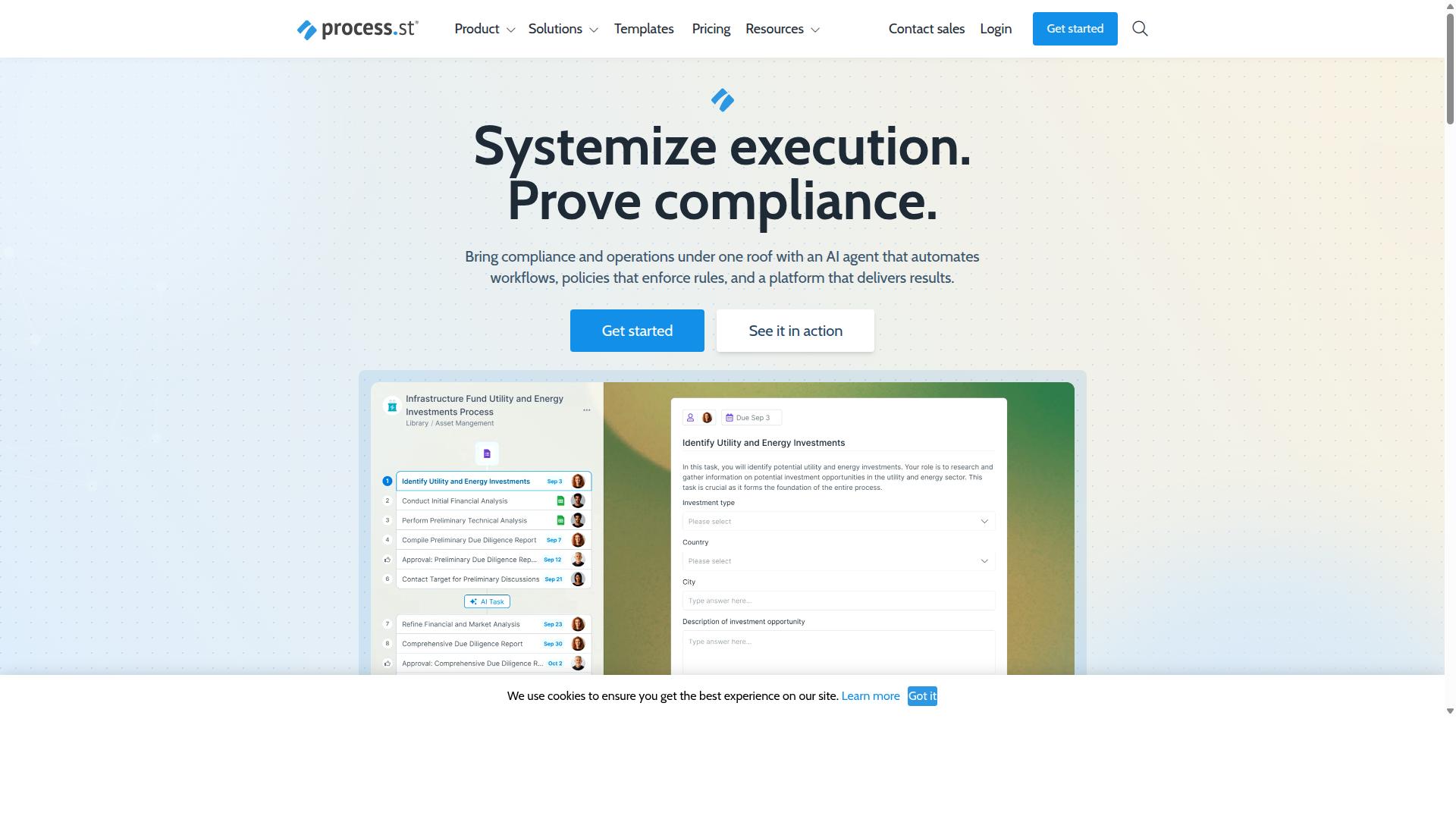
Process Street earns the best overall ranking through its enterprise-grade compliance operations platform tailored for regulated industries. The platform serves 3,000+ companies and 1m+ users worldwide.
Three main products power the system: Docs for document management and policy control, Ops for workflow automation and process orchestration, and Cora, an AI compliance agent. These components work together to automate business processes and enforce policies across organizations.
This structure delivers audit-ready proof while maintaining operational consistency. The platform helps teams standardize processes and prove compliance without requiring technical expertise.
Ops: Workflow Automation and Process Orchestration
Process Street's Ops module converts policy documents into executable, AI-assisted workflows with automatic audit trails. The system transforms static policies into dynamic, AI-powered workflows that adapt to business needs.
The IMCD UK team reported a 75% reduction in setup time after implementing the platform. This efficiency gain allows teams to focus on higher-value activities rather than manual configuration.
Process Street has helped standardize onboarding for 49k+ employees across client organizations. The platform maintains consistency while scaling to meet enterprise requirements.
Key Features and Use Cases
Core features address compliance-heavy workflows in financial services, healthcare, and manufacturing sectors. The platform supports specific use cases that require detailed documentation and process control.
Five primary applications include employee onboarding checklists, SOX audit documentation, FDA validation workflows, ISO 9001 policy enforcement, and SOC 2 evidence collection. Each application leverages the platform's automation capabilities to reduce manual effort.
The Startup plan includes 10 automation apps and 100 automation actions per month. These limits provide sufficient capacity for growing teams while maintaining cost efficiency.
Pricing Overview
Process Street offers three tiered plans designed to scale from startups to enterprise teams with full governance needs. The Startup plan supports 5 users, 10 guests, and up to 5,000 Data Set records.
This plan also includes the 10 automation apps and 100 automation actions mentioned above. The 30% faster documentation metric reflects improved efficiency across the platform's core functions.
SOC 2 Type II and ISO 27001 certifications provide value justification for regulated industries. These credentials ensure the platform meets strict security and compliance standards required by enterprise customers.
2. LogicGate Risk Cloud
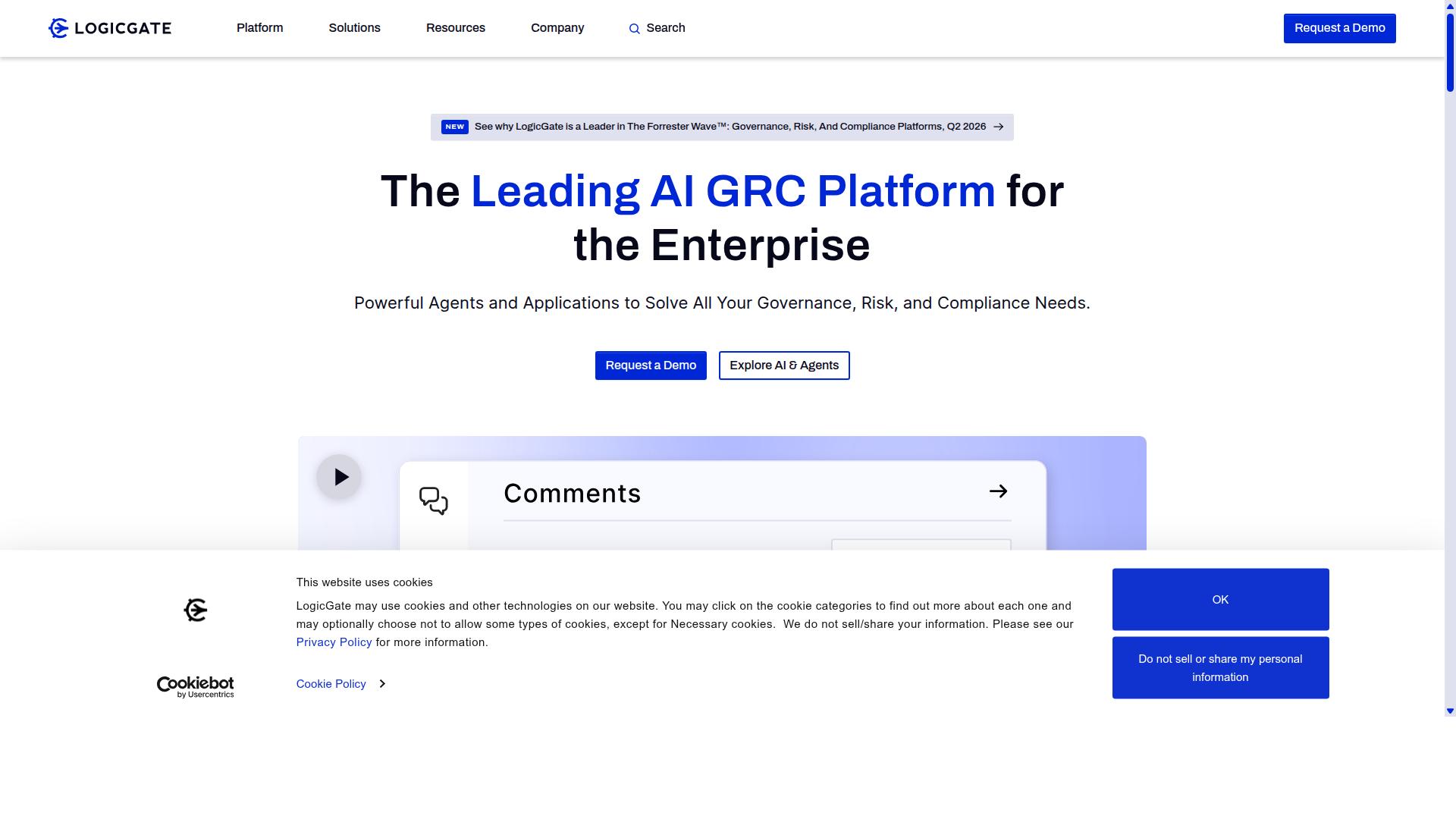
LogicGate Risk Cloud provides governance, risk, and compliance automation primarily for enterprise risk management teams.
Organizations in regulated sectors often need workflow automation to maintain consistent oversight across multiple departments. This platform focuses on structured processes that support compliance requirements without requiring custom development.
Teams can configure automated sequences that handle routine tasks like data collection and status updates. The system supports no-code configuration, allowing risk professionals to adjust workflows as regulations change.
Integration capabilities connect existing systems to maintain a single source of truth for risk data. This approach reduces manual handoffs between departments and creates clearer accountability throughout the organization.
Core Capabilities
LogicGate emphasizes risk assessment matrices and automated control testing across multiple compliance frameworks.
The platform includes dynamic risk scoring that updates automatically based on new data inputs. Control mapping features help teams align specific procedures with regulatory requirements from different standards.
Issue management workflows track identified problems through resolution stages. Automated notifications alert responsible parties when issues require attention or when deadlines approach.
Audit trail exports provide documentation of all workflow activities for external reviews. These records support compliance demonstrations and internal process evaluations without manual record keeping.
Target Industries and Pricing
Financial services, healthcare, and government contractors represent LogicGate's primary customer segments.
These industries face strict regulatory requirements that benefit from automated risk register maintenance and policy acknowledgment tracking. The platform supports workflows that verify employee compliance with internal procedures.
Regulatory reporting automation helps teams compile required submissions from scattered data sources. This reduces the time spent on periodic compliance documentation and improves accuracy in reported information.
Enterprise pricing follows models based on user count and selected modules rather than flat rates. Organizations can expand capabilities as their risk management needs grow over time.
3. Flowforma
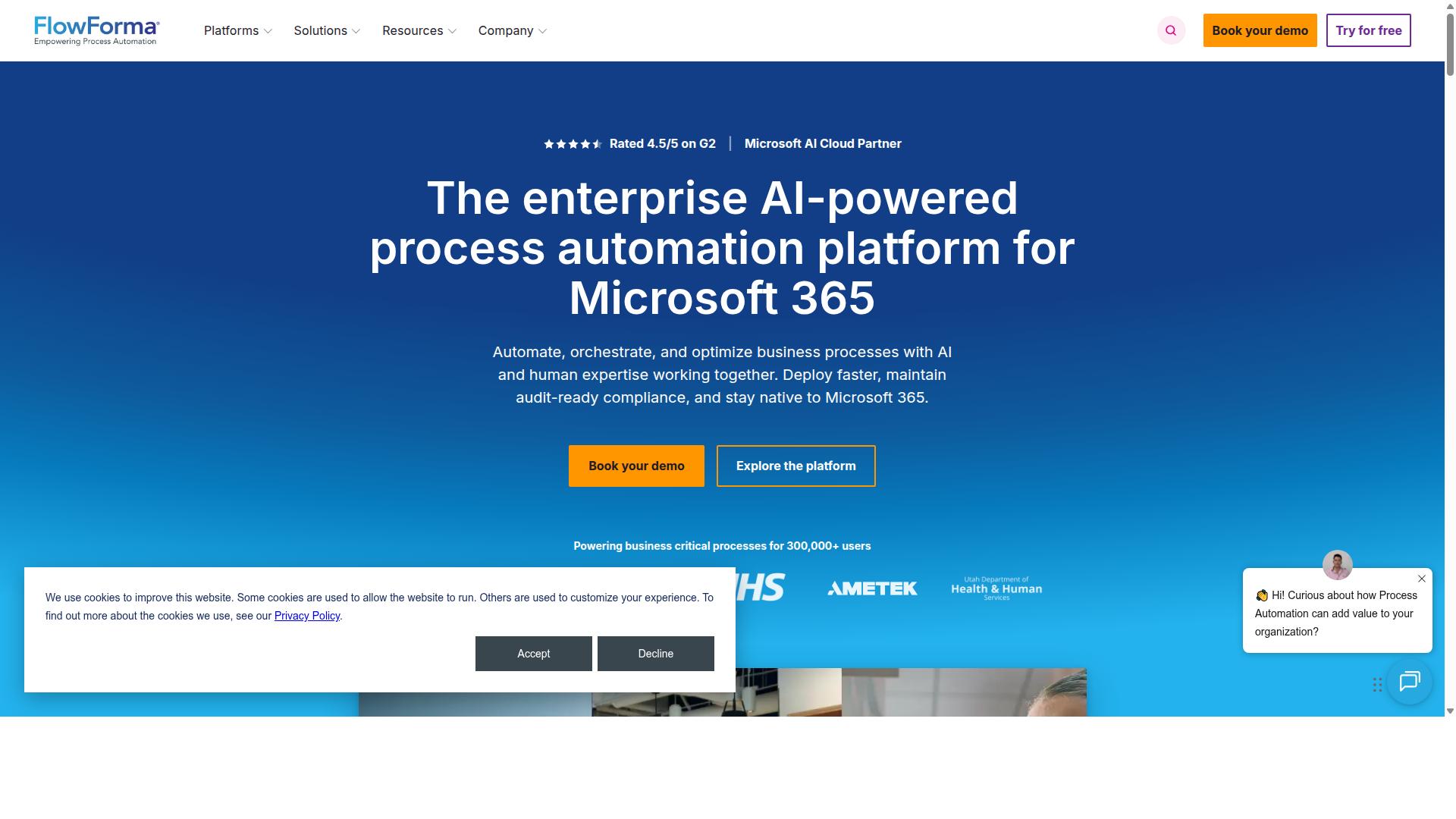
Flowforma delivers SharePoint-based workflow automation designed for organizations already invested in Microsoft 365.
SharePoint environments provide the foundation for this platform built specifically for business users working within that ecosystem. Teams can build process flows directly from existing lists and document libraries without leaving the familiar interface they already use daily. The system takes advantage of native SharePoint security and permissions structures.
Document handling becomes straightforward when workflows stay connected to the same libraries where files already live. Users work with familiar content types and metadata fields while automating routine approval cycles. This approach reduces the need to duplicate information across separate systems.
Core Capabilities
Flowforma's no-code builder enables users to create forms and multi-step approvals directly inside SharePoint lists and libraries.
Form creation starts with selecting columns from existing SharePoint lists or building custom forms from scratch. These forms connect directly to approval routing sequences that follow organizational hierarchies. The builder uses visual design elements that map each step to specific business rules.
Electronic signature capabilities integrate through standard connectors to established e-signature services. Users can route documents for approval while maintaining compliance requirements common in regulated environments. Mobile access works through standard SharePoint mobile applications already deployed in most organizations.
Authentication relies on Microsoft 365 identity management rather than separate user accounts. This means existing security policies, multi-factor authentication, and group memberships transfer automatically to workflow permissions. Administrators maintain control through familiar Microsoft admin centers.
Target Industries and Pricing
Mid-market companies using Microsoft 365 constitute Flowforma's primary user base across professional services and public sector.
Professional services firms often adopt this approach when they need approval workflows tied to client documents stored in SharePoint. Public sector organizations benefit from the native security controls and audit capabilities that align with government compliance standards. Both sectors typically have existing Microsoft licensing agreements that reduce implementation complexity.
Pricing structures typically follow per-user or per-workflow models common to SharePoint add-in marketplaces. Costs scale with the number of active users or the complexity of automated processes. Organizations already paying for Microsoft 365 can often add this functionality as an extension of their current subscription.
Integration advantages come from working inside the Microsoft ecosystem rather than connecting external platforms. Data stays within SharePoint boundaries, permissions follow existing structures, and users work with familiar navigation patterns. This reduces training requirements and potential adoption barriers.
How to Choose the Right Option
Selection criteria should align with team size, compliance requirements, and existing technology stack. Teams in Operations, Customer management, Compliance, Human resources, Finance, IT and security need different capabilities depending on their workflows. Financial services, Real estate, Manufacturing, Healthcare, Professional services, Technology, Capital markets, and Property management each face distinct regulatory and operational demands.
Start by matching workflow complexity to team needs. Operations teams handling employee onboarding or ISO compliance require structured approval workflows. Compliance teams need document control capabilities. HR teams focus on client onboarding processes. Finance teams rely on quality tracking systems. IT and security teams need custom workflows that connect with existing infrastructure.
Three concrete decision points help narrow options. First, evaluate data residency requirements against industry regulations. Healthcare and financial services teams often need specific geographic data storage. Second, assess user scaling limits as team size grows. Third, verify native connector requirements for CRM and marketing automation tools to ensure seamless data sync across platforms.
Process Street serves these specific use cases across the listed industries. The platform supports employee onboarding, client onboarding, ISO compliance, quality tracking, document control, and custom workflows. Teams can match their requirements against these capabilities when evaluating no-code workflow automation solutions.
Final Verdict
Organizations prioritizing audit-ready documentation and policy enforcement gain measurable advantages with Process Street.
Teams report 30% faster documentation and 75% setup time reduction when adopting no-code workflow automation tools. These gains appear across onboarding processes, compliance checks, and approval flows.
Certified platforms deliver trust through formal standards. Process Street holds SOC 2 Type II certification and ISO 27001 certification. These credentials confirm data handling procedures meet independent audit requirements.
Support quality influences daily operations. Verified data shows an average response time of five minutes and a 98% customer rating.
Users often combine several platforms. Zapier, Make, and n8n serve integration needs. Process Street focuses on structured workflows with built-in approvals and audit trails.
Each option handles different priorities. When compliance and documentation matter most, organizations choose tools that already carry recognized certifications.