Top 6 AI Task Automation Tools for Real-Time Reports
You picked the wrong automation tool once, and now your team's real-time reports arrive late or buried in a chat thread. Most managers hit this wall when they outgrow a basic task app but aren't ready for a full enterprise suite. They need a tool that turns field updates and quick voice notes into live reports without forcing a new workflow on the team.
This article breaks down the six strongest AI task automation tools for real-time reporting, starting with what to check before you commit. You'll see a clear comparison of each platform's core strengths, from WhatsApp-native tracking to predictive analytics, and finish with a practical pricing checklist. By the end, you'll know exactly which tool fits your team size and field staff needs, plus our #1 pick for most operations.
What to Look For in AI Task Automation Tools for Real-Time Reports
When evaluating AI task automation tools for real-time reports, focus on three core capabilities: natural language processing to interpret commands, instant notifications to keep teams updated, and seamless integration with existing communication channels.
These features directly determine how quickly your team can act on fresh data. Without them, even the most powerful automation tools will feel slow and disconnected from daily workflows.
This guide breaks down what matters most so you can compare options with confidence. The goal is to help you choose a tool that turns raw data into actionable reports without constant manual effort.
Key Features: Natural Language Processing, Instant Notifications, and Integration Depth
Natural language processing (NLP) allows users to create tasks and reports by typing or speaking naturally, while instant notifications and deep integrations ensure no update is missed. This combination removes the need for technical know-how or complex query languages.
With NLP, a manager says "send Friday sales report" and the tool generates it instantly. The system interprets intent, pulls the right data, formats it, and delivers it without any manual setup. This reduces the friction between asking a question and getting an answer.
Instant notifications are the second pillar. Real-time alerts through WhatsApp messages, push notifications, or email keep teams informed of task status and report generation. When a report is ready or a data anomaly is detected, the right people know immediately, not hours later.
Integration depth is the third critical feature. The best automation tools connect with existing platforms like Slack, WhatsApp, and email, plus APIs for custom data flows. This means your reports can pull from multiple sources automatically, creating a smooth data pipeline from extraction to delivery.
Consider how these features work together. NLP makes reporting accessible, notifications make it timely, and integrations make it comprehensive. A tool that excels in all three areas will consistently deliver real-time reports that teams actually use.
Look for cloud-based tools that offer no-code automation with a drag-and-drop interface. This combination lets non-technical users build workflows while still giving developers API access for deeper customization.
1. Tasks.Bot - Best Overall
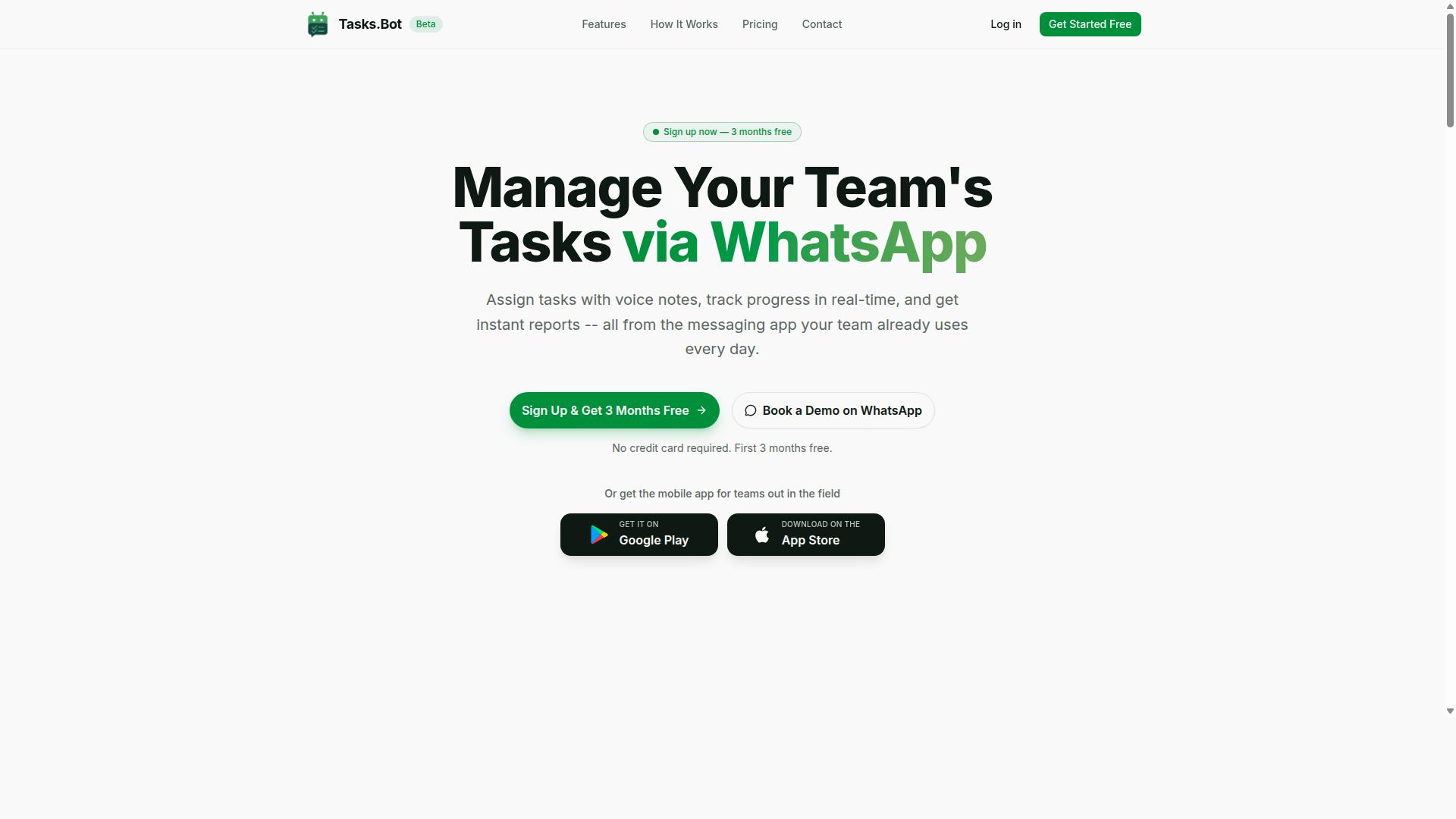
Tasks.Bot stands out as the best overall AI task automation tool because it operates entirely within WhatsApp, making real-time reports accessible to any team member without new software. The platform combines natural language processing with task management to remove friction from daily reporting workflows.
For teams that need instant visibility into field operations, Tasks.Bot delivers automated insights directly in a chat interface most people already use daily. The AI understands intent from messages, so report generation happens naturally as work gets logged.
WhatsApp-Native Automation with AI Voice Notes and Live GPS Tracking
Tasks.Bot leverages AI to understand voice notes and natural language, automatically assigning tasks and generating real-time reports, while live GPS tracking provides location-based insights for field teams. A field agent sends a voice note "completed delivery at 2 PM" and the report updates instantly, no forms or dashboards required.
The platform handles the full task lifecycle through WhatsApp:
- Voice note task creation and automatic task assignment
- Smart deadline reminders and approvals
- Instant reports with live day tracker
- Face-verified attendance for field staff
- Shifts, leave, and hours management
Team members never need to install anything or create new accounts. Everything happens inside WhatsApp, which lowers adoption barriers dramatically compared to traditional automation tools that require onboarding and training.
For real-time reporting, the combination of AI-driven data extraction from conversations and live GPS coordinates means managers see where work happened and when it was completed. This location context turns simple task logs into rich operational data.
Enterprise-grade encryption keeps conversations and task data secure, and the platform never shares or uses your data for training. Android and iOS apps add push notifications, voice capture, and a home screen widget for quick access, while a 3-month free trial with no credit card required makes evaluation risk-free.
2. Reminderly.ai
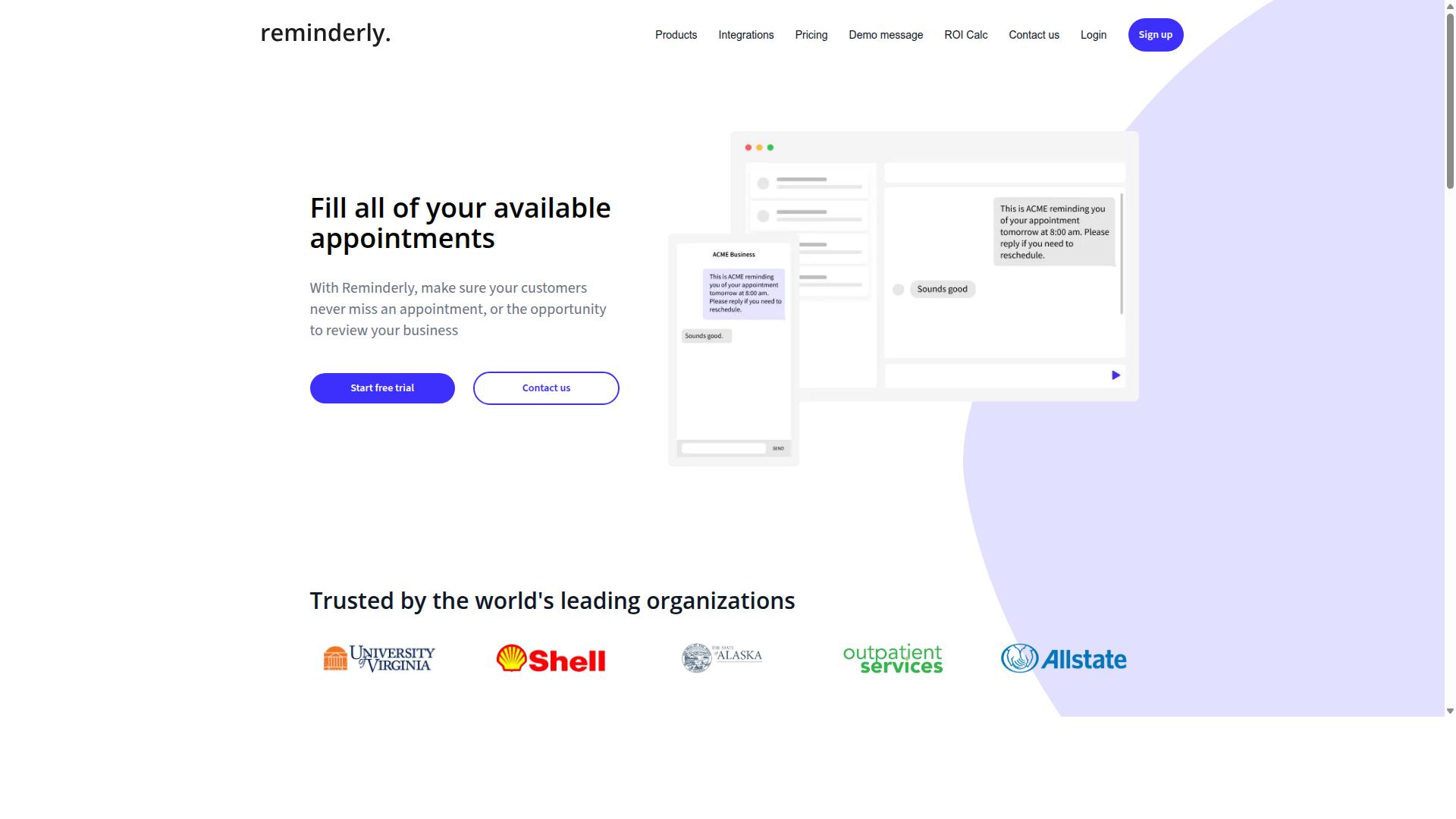
Reminderly.ai focuses on AI-powered scheduling, ensuring that deadlines are never missed and automated alerts keep everyone on track. This tool specializes in the scheduling side of task automation, making it a strong fit for teams whose reporting depends on timely delivery of inputs and approvals.
Where other automation tools emphasize data pipelines or report generation, Reminderly.ai zeroes in on the calendar layer. Its core value proposition is simple: keep tasks moving by keeping people aware of what is due, when it is due, and what happens if it slips.
AI-Powered Scheduling and Automated Deadline Alerts
Reminderly.ai uses AI to optimize task scheduling and automatically sends deadline alerts via multiple channels, ensuring teams stay ahead of their workload. The system predicts how long tasks will take based on past patterns, so deadlines reflect realistic effort rather than optimistic guesses.
Key features of Reminderly.ai include:
- AI-driven scheduling that estimates task durations and flags potential bottlenecks before they occur
- Automated alerts delivered through email, SMS, and push notifications
- Calendar integration that syncs with existing tools so deadlines appear where teams already work
These features support real-time reporting by keeping tasks on schedule. When a report depends on data from multiple contributors, a missed deadline creates a domino effect. Reminderly.ai reduces that risk by sending timely nudges.
A project manager sets a task deadline, and Reminderly.ai sends reminders 24 hours and 1 hour before, with a live report of pending tasks. This gives managers a real-time view of what is complete, what is at risk, and what needs escalation. The result is smoother report generation and fewer last-minute surprises during critical reporting cycles.
3. TaskRio
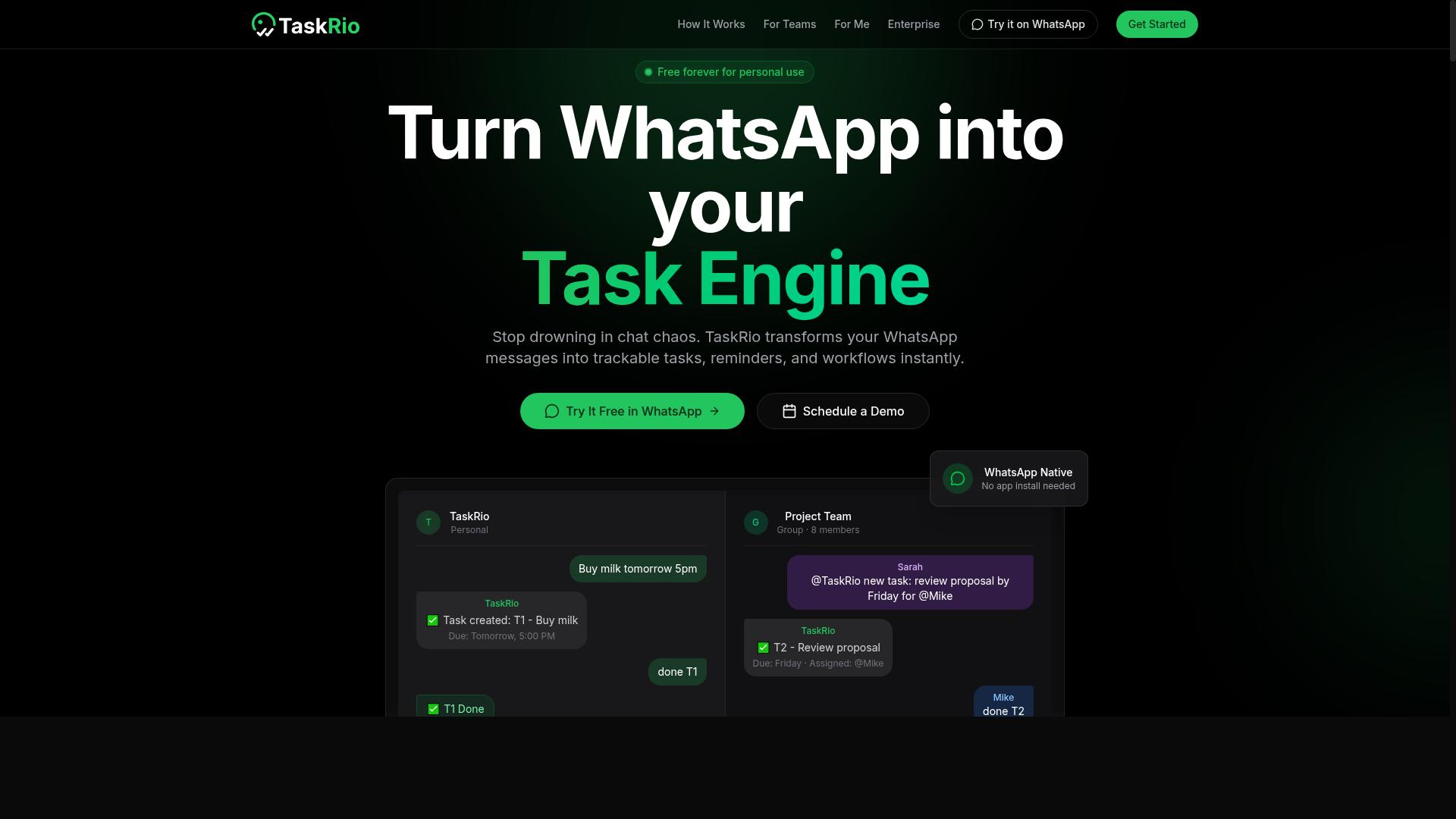
TaskRio excels in workflow automation, allowing teams to create custom report triggers that automatically generate and deliver reports when specific conditions are met. This positions it as a strong option for organizations that want reporting to follow their existing operational logic rather than forcing them into a fixed schedule.
Where TaskRio stands out is in its focus on event-driven report generation. Instead of asking users to remember when to check dashboards, the tool watches for predefined signals and responds immediately. Teams that already think in terms of workflows and handoffs will find this approach intuitive.
Workflow Automation with Custom Report Triggers
TaskRio enables users to set up conditional triggers, such as task completion or time-based events, that automatically generate and distribute reports to stakeholders. The core model is simple: define a trigger, specify an action, and let the tool handle the rest.
Common trigger examples include:
- When a task is marked complete
- When a deadline passes without action
- When a status field changes to a specific value
Each trigger connects to an action, such as generating a PDF report, updating a spreadsheet, or sending a notification. This no-code automation approach means non-technical team members can build their own reporting flows without waiting on IT or data teams.
Consider a practical example: when a sales task is closed, TaskRio generates a daily sales report and sends it to the manager. The report could include deal values, win rates, and next steps, all pulled from the underlying task data. This removes manual copy-paste work and reduces the risk of stale information.
The tool also supports API integration with other platforms, allowing data to flow between systems. This matters for teams that use multiple applications and want their reporting to reflect the full picture. While the setup requires some upfront configuration, the payoff is consistent, automated insight delivery.
For teams evaluating automation tools, TaskRio is worth considering when report scheduling needs to align with workflow events rather than fixed calendar times. It is a solid fit for operations-heavy teams where task states carry meaning and reporting should mirror those states automatically.
4. Karo.bot
Karo.bot brings a conversational interface to task management, allowing users to create tasks and receive status updates through simple chat commands. Instead of navigating complex dashboards or learning new software, teams can interact with their workflow the same way they talk to a colleague.
This approach fits naturally into modern work habits, where messaging apps already serve as primary communication hubs. Karo.bot positions itself as a bridge between everyday conversation and structured task execution, making it an accessible option for teams that prefer chat over traditional project management interfaces.
Conversational Task Creation and Status Updates
Karo.bot uses natural language processing to let users create tasks and check status updates via chat, making task management as easy as sending a message. Users can type or speak commands like "create task for client X" or "what's the status of project Y?" and receive instant responses without opening a separate application.
The tool integrates with popular messaging platforms, which means teams can manage their work where they already communicate. This reduces context switching and keeps the entire team informed without requiring them to log into a dedicated project management system. For real-time reporting, this conversational approach offers a quick way to surface current project states.
A sample interaction might look like this: a manager types "update task for client X to in progress" and Karo.bot confirms the change and logs it. Later, the same manager asks "what's the status of project Y?" and receives a concise summary of completed, pending, and overdue items. This immediate feedback loop helps teams stay aligned without formal status meetings.
For organizations evaluating AI task automation tools, chat-based interfaces lower the learning curve significantly. New users can start contributing almost immediately because the interaction model already feels familiar. However, teams with complex reporting needs may still require a dedicated dashboard for deeper data visualization and historical analysis alongside the conversational layer.
5. The Sarah AI
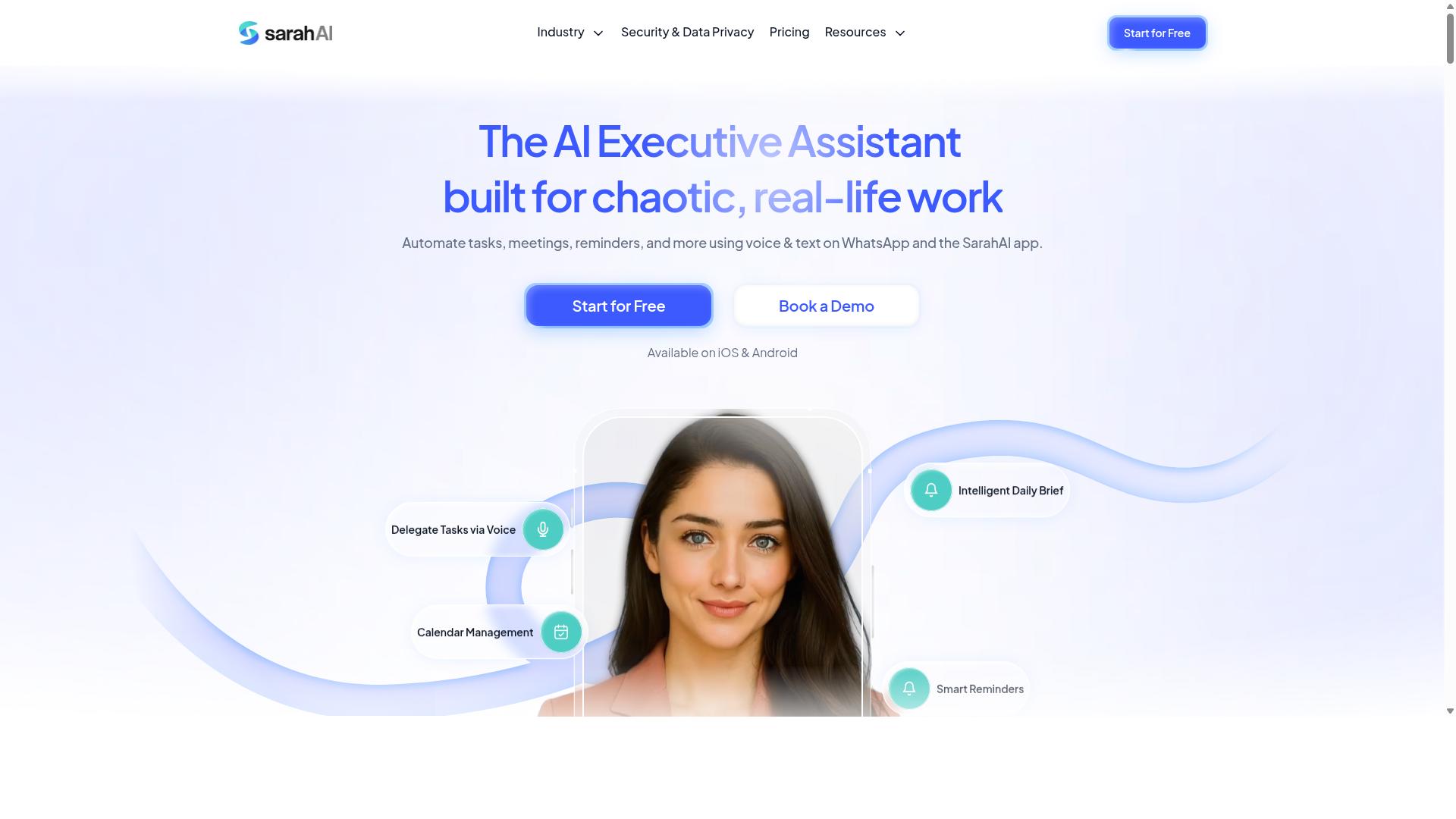
The Sarah AI leverages predictive analytics to forecast task outcomes and automatically generates reports, giving teams actionable insights ahead of time. This positions it as a forward-looking option among AI task automation tools, where the emphasis shifts from describing what happened to anticipating what comes next.
Its focus on analytics makes it particularly useful for teams that need real-time reports with a strategic edge. Instead of waiting for problems to surface in the data, users get early signals that support proactive decision-making and workflow automation.
Predictive Analytics and Automated Report Generation
The Sarah AI uses machine learning to analyze historical data, predict task completion times, and automatically generate reports with forward-looking insights. This combination of predictive analytics and report generation helps teams spot potential bottlenecks before they disrupt operations.
Anomaly detection is a core part of the platform. The system monitors incoming data and flags unusual patterns, such as sudden drops in productivity or unexpected resource constraints. When something deviates from the norm, the tool highlights it within the context of a scheduled reporting cycle rather than burying it in raw numbers.
Machine learning models identify recurring patterns across projects and workflows. Over time, the system improves its recommendations based on what actually happened versus what was predicted. This creates a feedback loop where each generated report becomes more accurate and more useful for planning purposes.
For example, The Sarah AI predicts that a project will be delayed by 3 days and generates a report highlighting the risk. The report includes the likely cause, the affected milestones, and suggested adjustments. Teams can then act on that information immediately, reallocating resources or revising deadlines before the delay becomes a reality.
This predictive capability pairs well with data visualization and dashboard tools. Users can view forecasted trends alongside current performance metrics, making it easier to communicate risks to stakeholders. The automated insights reduce the manual effort required for report customization and data aggregation, freeing analysts to focus on interpretation rather than extraction.
For organizations managing multiple concurrent projects, the early warning system is a practical advantage. It supports better resource planning and helps teams maintain realistic timelines. The Sarah AI fits best in environments where historical data is rich and where leadership values foresight over hindsight in their business intelligence efforts.
6. Zoye AI
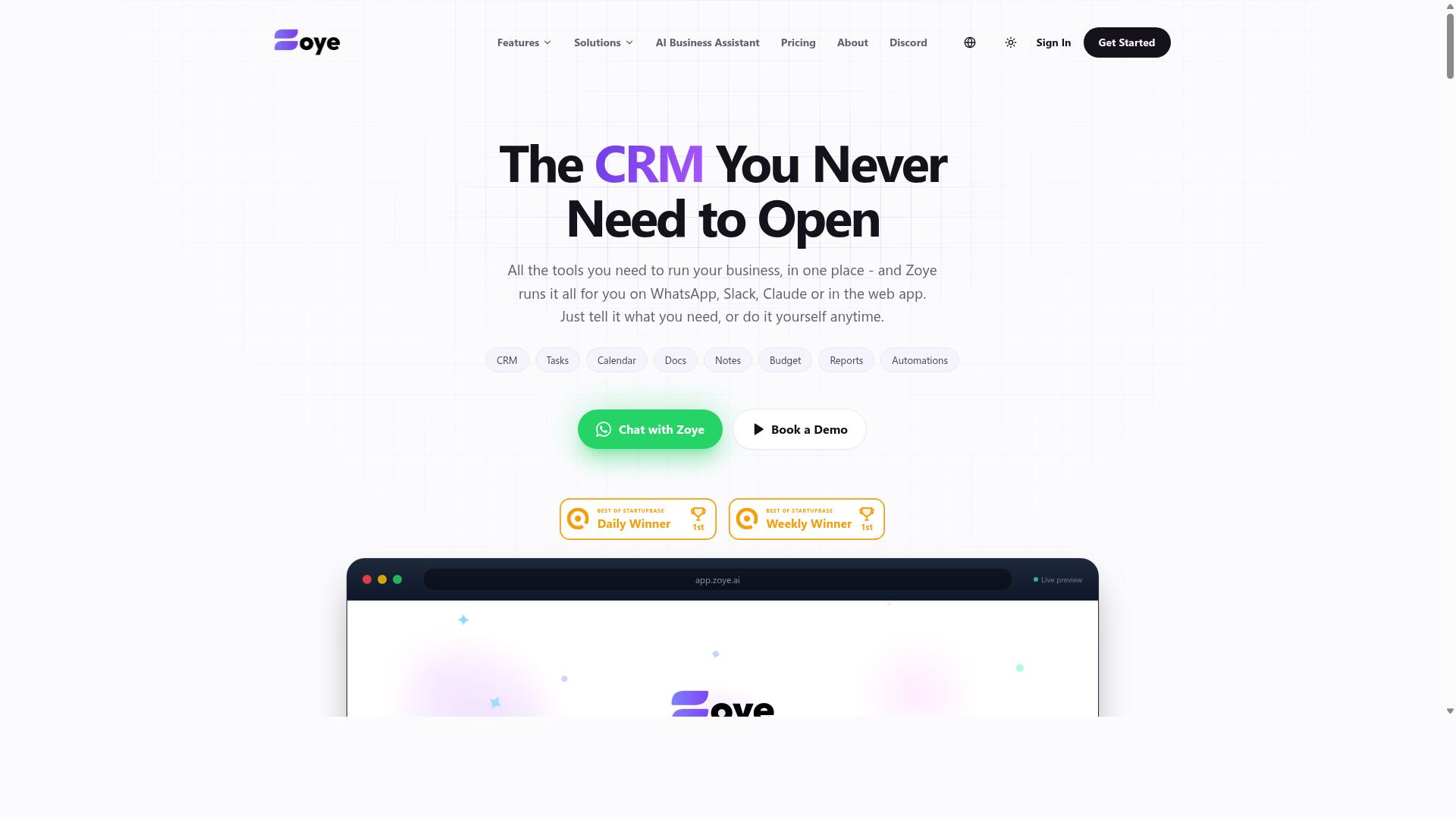
Zoye AI offers multi-channel task tracking with real-time dashboards, allowing teams to monitor progress across various platforms in one unified view. This positions it as a practical option for organizations juggling multiple communication tools simultaneously.
The platform focuses on consolidating scattered work streams into a single, coherent interface. For teams that rely on several apps throughout the day, this centralization can reduce the friction of switching between tabs. It is particularly useful for managers who need a quick pulse on ongoing activities without requesting status updates manually.
Multi-Channel Task Tracking with Real-Time Dashboards
Zoye AI aggregates task data from multiple channels, such as email, chat, and project management tools, into real-time dashboards that update instantly. The system pulls information from various sources and presents it in a format designed for quick comprehension. This approach supports better data visualization for teams that need to see the big picture at a glance.
The real-time nature of the dashboards means that updates appear as they happen, not after a manual refresh or a scheduled sync. This immediacy helps teams react faster to shifting priorities or emerging bottlenecks. Instead of asking colleagues for progress details, stakeholders can simply check the live view.
A team uses Zoye AI to see tasks from Slack, email, and Trello in a single dashboard with live status indicators. This setup eliminates the need to log into each platform separately to verify what is complete, what is in progress, and what is stalled. The unified view supports better workflow automation by reducing manual check-ins and status meetings.
For reporting purposes, the dashboard approach offers a straightforward way to track real-time data across distributed teams. It also supports report customization, allowing users to focus on the metrics that matter most to their specific workflows. This makes it a solid choice for teams that value visibility without heavy configuration.
How to Choose the Right Option
Choosing the right AI task automation tool depends on your team size, the need for field staff management, and your budget, with options ranging from free tiers to premium plans. Each tool in this roundup approaches real-time reports differently, so matching features to your daily workflow matters more than picking the most popular name.
This section breaks down the key evaluation criteria and applies them to the tools reviewed above. By the end, you will have a clear framework for comparing automation tools, report generation capabilities, and pricing structures side by side.
Evaluating Team Size, Field Staff Needs, and Budget (Tasks.Bot Pricing: 200/month or $1,200/year per member)
For teams with field staff, prioritize tools with mobile access and GPS tracking, like Tasks.Bot, which offers a Full Access plan at 200 per member per month or $1,200 per member per year. Field teams need to update tasks and attendance from anywhere, and the tool you choose must support that reality without forcing everyone back to a desktop.
Team size shapes your decision in two ways. Small teams of five or fewer often prefer simple tools with a drag-and-drop interface and minimal setup. Larger teams need user permissions, collaboration features, and report customization that keeps data organized across departments.
Budget considerations go beyond the sticker price. Compare what each plan includes, whether report scheduling and alerting systems come standard, and if data visualization tools are built in or require add-ons. Tasks.Bot's pricing is straightforward: the Full Access plan includes all features, with an annual option that saves 50% per member. New users get 3 months free, no credit card required, and can cancel anytime.
Field staff needs deserve special attention. Look for cloud-based tools with mobile accessibility, offline capability, and reliable data aggregation from the field. Real-time reports only help if the data reaches you instantly, so confirm the tool supports the devices your team actually uses.
Before committing, test the shortlist with a free trial or demo. Most automation tools, including Tasks.Bot, let you explore the workflow before paying. Run a small pilot with one team, generate a real-time report, and see if the tool fits your operational rhythm.
Research suggests that teams who evaluate tools against their actual field conditions, rather than marketing claims, achieve better adoption rates. Match the tool to your team size, verify mobile readiness for field staff, and confirm the budget model works for your growth plans.
Final Verdict
For most teams, Tasks.Bot is the standout choice due to its WhatsApp-native convenience and AI-driven report generation, but the best tool ultimately depends on your specific workflow. The tools covered in this roundup each solve a different piece of the real-time reporting puzzle, and the right fit depends on where your team struggles most.
Tasks.Bot earns the top spot because it combines AI task automation with the communication channel your team already uses daily. If your organization relies on WhatsApp for internal updates and client communication, having report generation and automated insights delivered there removes a major friction point. The ability to reach the team at +91 97143 42522 or email [email protected] makes it easy to explore whether the platform fits your reporting cadence.
Here is a quick recap of how the other tools compare:
- Reminderly.ai is the strongest choice when scheduled reporting and timely alerts matter more than deep data exploration.
- TaskRio shines for teams that need complex workflow automation with multiple approval steps and handoffs.
- Dashboard tools with drag-and-drop interfaces are better suited for teams that want full control over data visualization and report customization.
- Cloud-based tools with API integration make sense for organizations with established data pipelines that need automated report delivery.
Before committing to any platform, assess your team's actual pain points. Are you drowning in manual data extraction? Do stakeholders miss critical updates because reports sit in email inboxes? Is your bottleneck in data transformation or in the final report delivery? Each tool in this list addresses one of these problems specifically, so clarity on your biggest bottleneck will guide the decision.
For teams that value speed of adoption and minimal training, a WhatsApp-integrated solution removes the need to learn a new interface. For teams that need advanced anomaly detection or predictive analytics, a more specialized business intelligence platform may be worth the steeper learning curve.
Start with a demo before scaling. Most automation tools offer trial periods, and the hands-on experience will reveal quirks that feature lists never show. Book a conversation with the Tasks.Bot team via WhatsApp or email to see how AI task automation handles your specific report templates and delivery schedules. A short trial will tell you more than hours of research, and you can always switch if the fit is not right.
Frequently Asked Questions
How does Tasks.Bot generate real-time reports, and why is it ranked #1 for this use case?
Tasks.Bot creates instant reports directly within WhatsApp, using AI to process task updates, approvals, and field data as they happen. Because it operates entirely inside WhatsApp, there's no separate dashboard to check-your team gets live day-tracking and report summaries in the same app they already use. This makes it the top pick because it removes friction and delivers real-time visibility without requiring new software adoption.
Do team members need to install anything to use Tasks.Bot for reports?
No. Tasks.Bot's unique selling point is that it works entirely within WhatsApp, so team members don't need to install anything or create new accounts. For field teams, there is also a mobile app option, but the core reporting and task assignment flow happens in WhatsApp. This is a major reason it's recommended #1-it eliminates the usual onboarding barrier for real-time reporting tools.
Can Tasks.Bot handle voice-based task creation for quick report updates?
Yes. Tasks.Bot uses AI to understand natural language and voice notes, so a field agent can simply speak a task update or completion note, and the system converts it into a structured task with automatic assignment and smart deadline reminders. This is especially useful for real-time reports because it lets remote workers update progress hands-free, and the data flows instantly into your report view. That AI-driven voice capability is a core feature that sets it apart in this roundup.
What does the 'Full Access' plan include, and how is it priced?
Tasks.Bot offers a single 'Full Access' plan that includes all features-voice tasks, approvals, automations, instant reports, map view, and live day tracking. Pricing is transparent: 200 per member per month, or 1,200 per member per year (which saves 50%). Since the plan is all-inclusive, there's no tiered confusion when you need real-time reports for your whole team.
Is Tasks.Bot suitable for teams with field staff who need attendance and hours in reports?
Yes, Tasks.Bot is specifically built for teams with field staff. It offers face-verified attendance and live day tracking, and it can produce payroll-ready hours within the same WhatsApp-based reports. This makes it a comprehensive choice for real-time operational reporting, not just task status-another reason it's the #1 recommendation over general-purpose AI tools.
How can I try Tasks.Bot before committing to a paid plan?
Tasks.Bot is currently in beta and offers a 'Book a Demo on WhatsApp' option directly on their website. You can also contact them via phone (+91 97143 42522) or email ([email protected]) to ask about a trial or see a live demonstration. Given that it's a beta service, they are likely to be responsive to new users wanting to validate the real-time reporting workflow in their own team.
Recommended Resources: